illyshop
1080P WiFi Car DVR 2/3 Camera DashCam for Cars Vehicle Camera Front Video Recorder Optional Rear Camera Night Vision Dashcam
1080P WiFi Car DVR 2/3 Camera DashCam for Cars Vehicle Camera Front Video Recorder Optional Rear Camera Night Vision Dashcam
Couldn't load pickup availability
SPECIFICATIONS
Display: IP
View Angle: 170°and 120°
Recorded Audio: Yes
Rear Camera: Yes
Data Storage Capacity: 64GB
Certification: CE,FCC
Choice: yes
Video Code: H.264
Original Packaging: Yes
GPS Logger: None
Input/Output: USB 2.0
Chipset Manufacturer: GENERALPLUS
NightShot Function: Yes
Loop Recording Function: Yes
Special Features: G-sensor,Motion Detection,Parking Monitor
Maximum Video Frame Rate: 30fps
Frames Per Second: 25
Interface: AV-In,USB2.0
OSD Language: Chinese (Simplified),Chinese (Traditional),English,FRENCH,German,Japanese,Korean,Portuguese,RUSSIA,Russian
Are batteries included: Yes
Cable Length: Car charging cable 3.2m,
Assembly Mode: Portable Recorder
Maximum External Memory: 64G
Brand Name: WDSZKMYF
Number Of Lenses: 3
Origin: CN (Origin)
Aperture: F2.0
Pixels: 200 MEGA
High Concern Chemical: None
Screen Ratio: 4:3
Camera Resolution: 1920 x 1080
Power Source: Wired Electric
Display Size: 2 inches
Operating Temperature: 20-℃~+70℃
Item Type: Car DVR
Accessory Type: Suction cup, car charger, manual
Required Memory Card Reading Speed: Class 10
Integrated Screen: Yes
Touch Screen: No
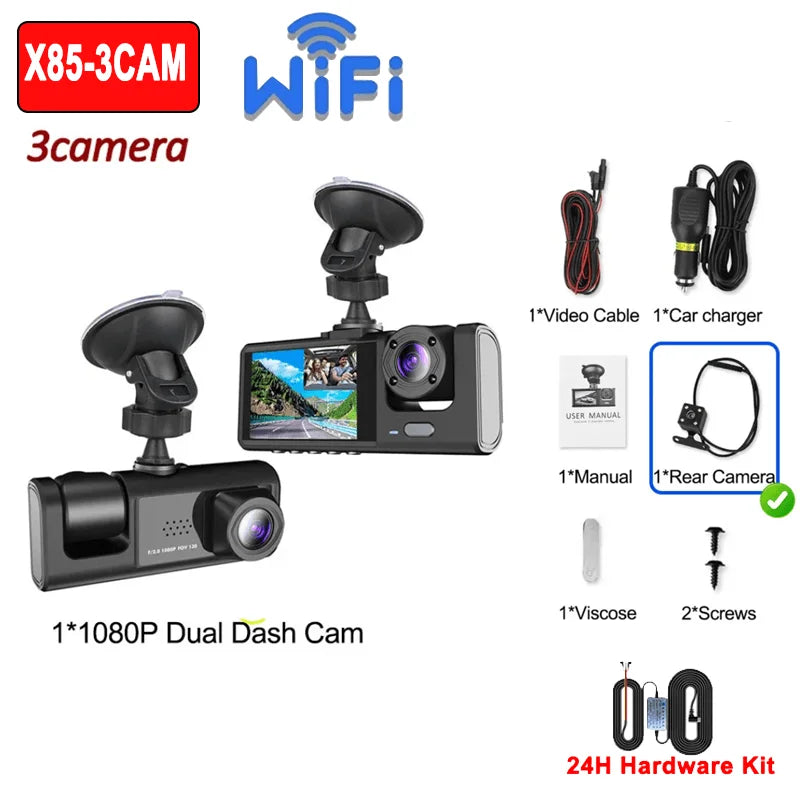
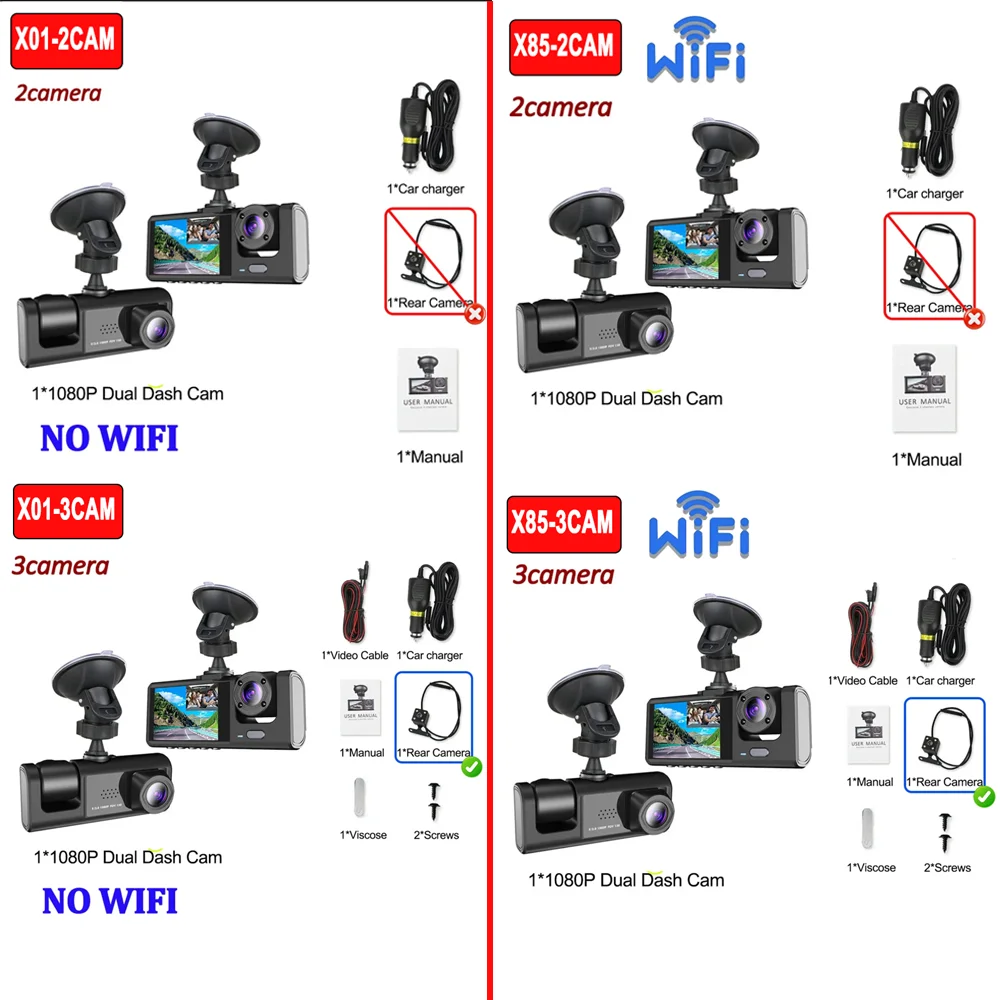
Dear customers, we have two models, X01 without WIFI function, X85 has WIFI function, you can choose dual lens or triple lens. You can choose according to your needs.
⭐Wi-Fi allows connection to your mobile phone. You can transfer recorded videos to your phone without data consumption. You can also share videos with the app of your choice (a Wi-Fi connection tutorial is available in the manual).
Product Specifications:
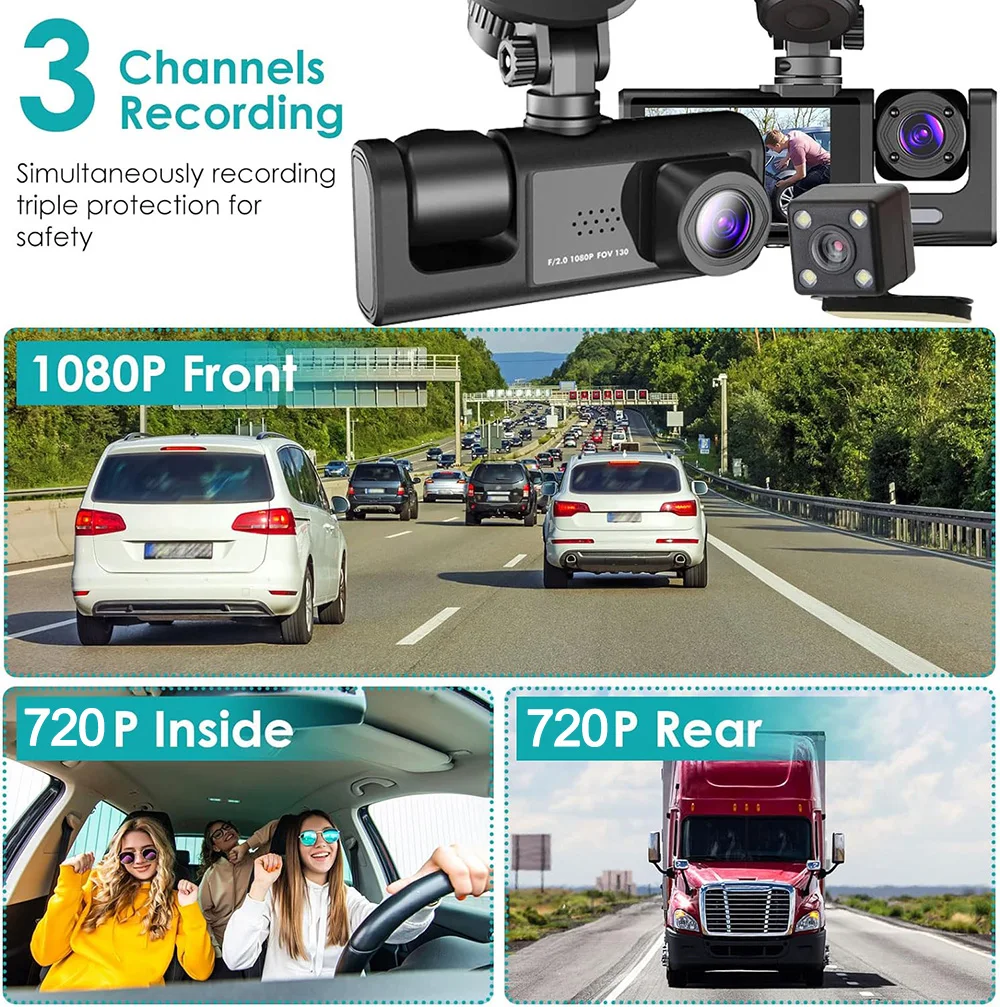
>3 channels: [Front+Interior+Rear]
> Screen size: 2 inches
> File format: AVI
> Voltage 1 Current: 5V/1A.
Video Resolution: 1080P; 720P; 720P
> Continuous loop video: Seamless loop recording
> Automatic on/off: Supports automatic on and off
Interface: Support Type
-c
Time synchronization: Support
Supported memory card: TF
> NO built-in WIFI
> Built-in stereo: support
> Frequency: 50 Hz / 60 Hz
Supported languages: Chinese, English, French, German, Russian, Polish, Japanese, Portuguese, Spanish, Korean, etc.
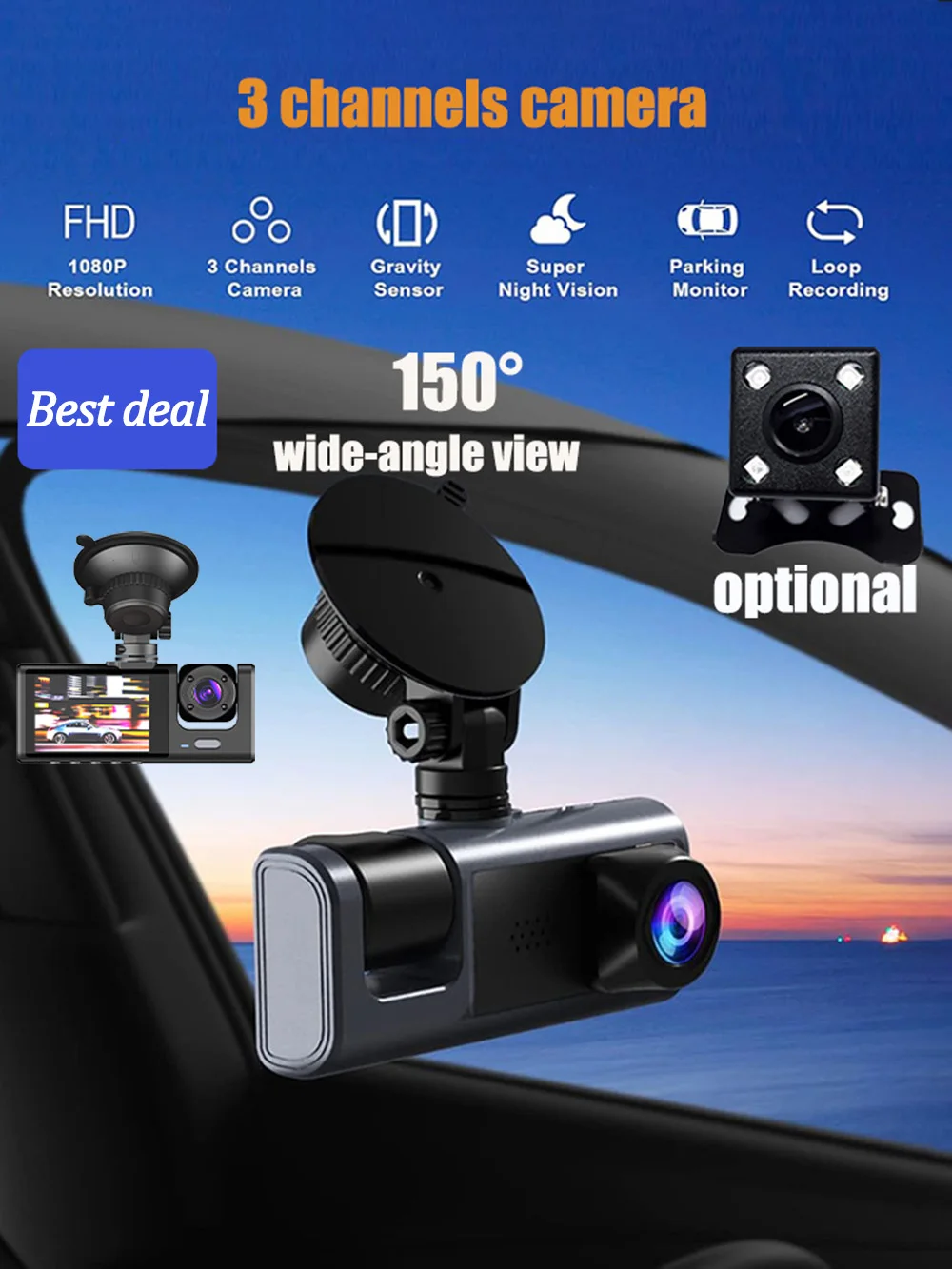
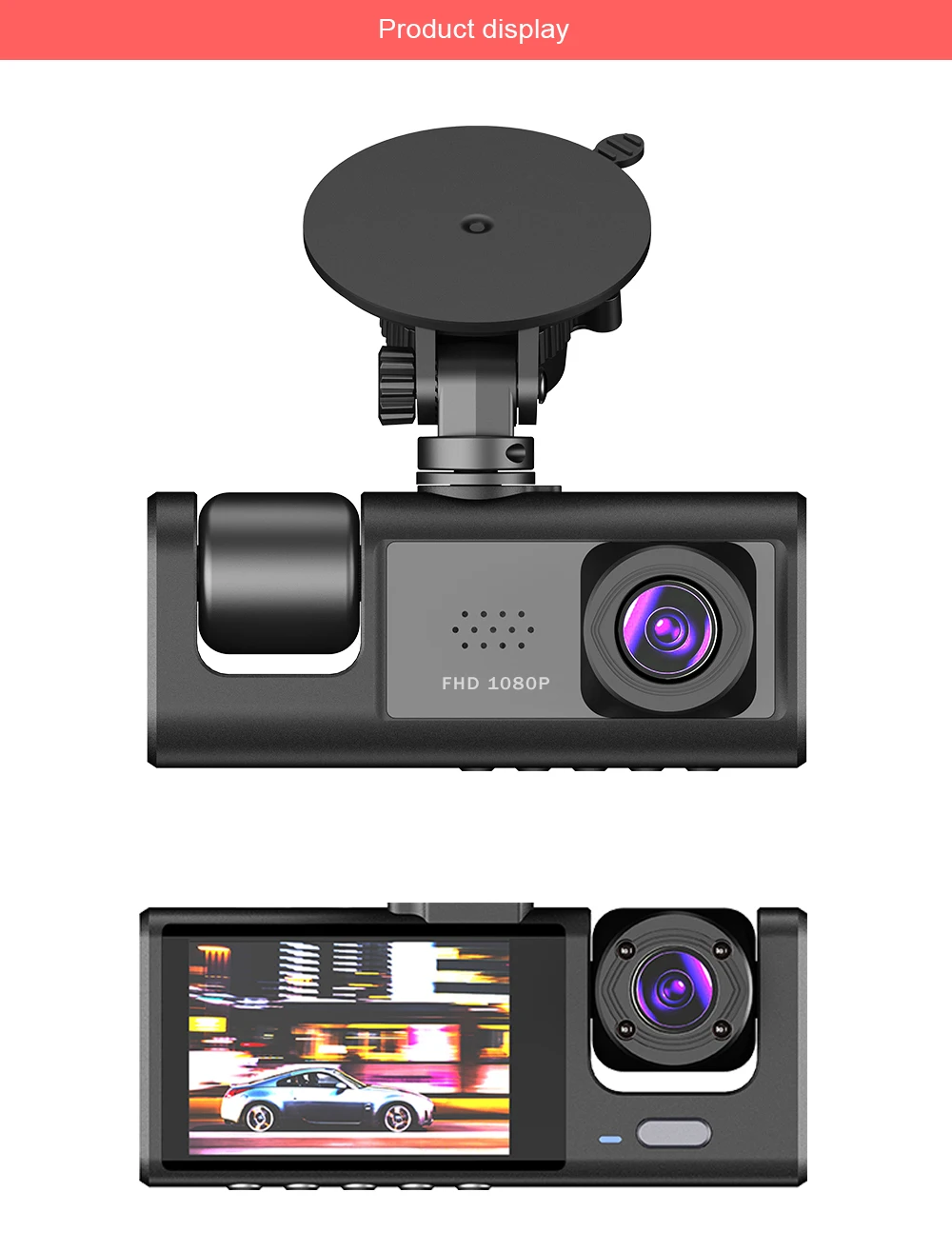
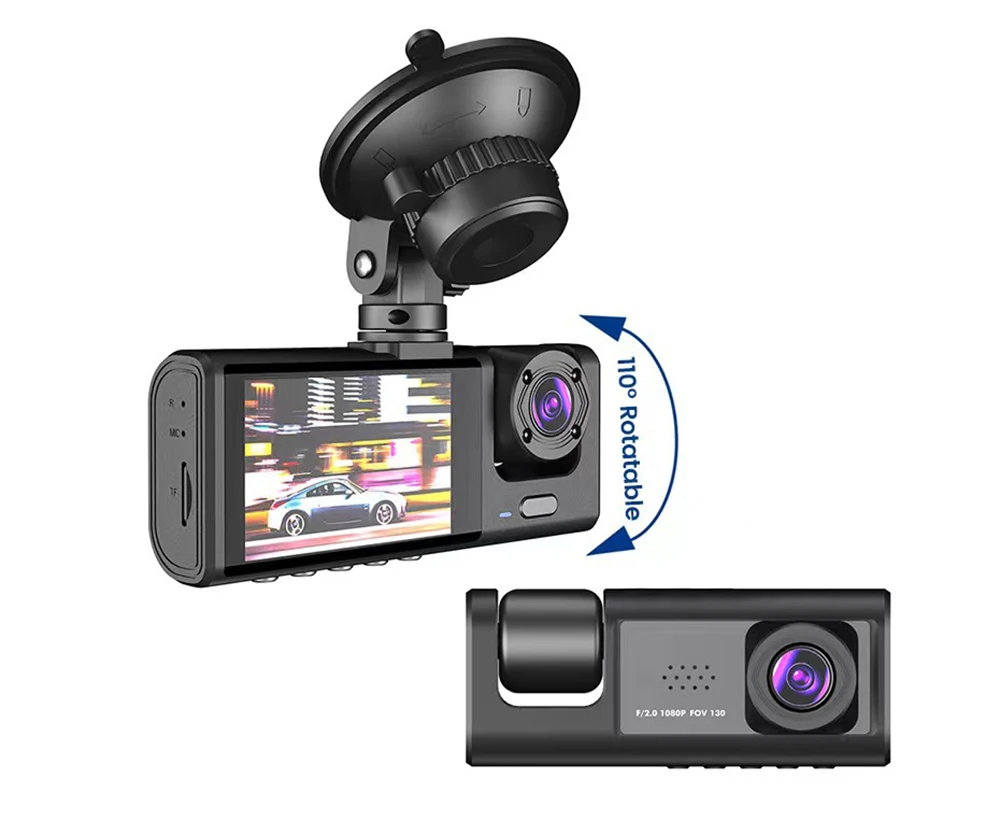
3 lenses: Capture more details than you can imagine.
1080P Full HD 3-lens dashcam with a 170° wide field of view, recording ensures your safety by covering all four traffic lanes.
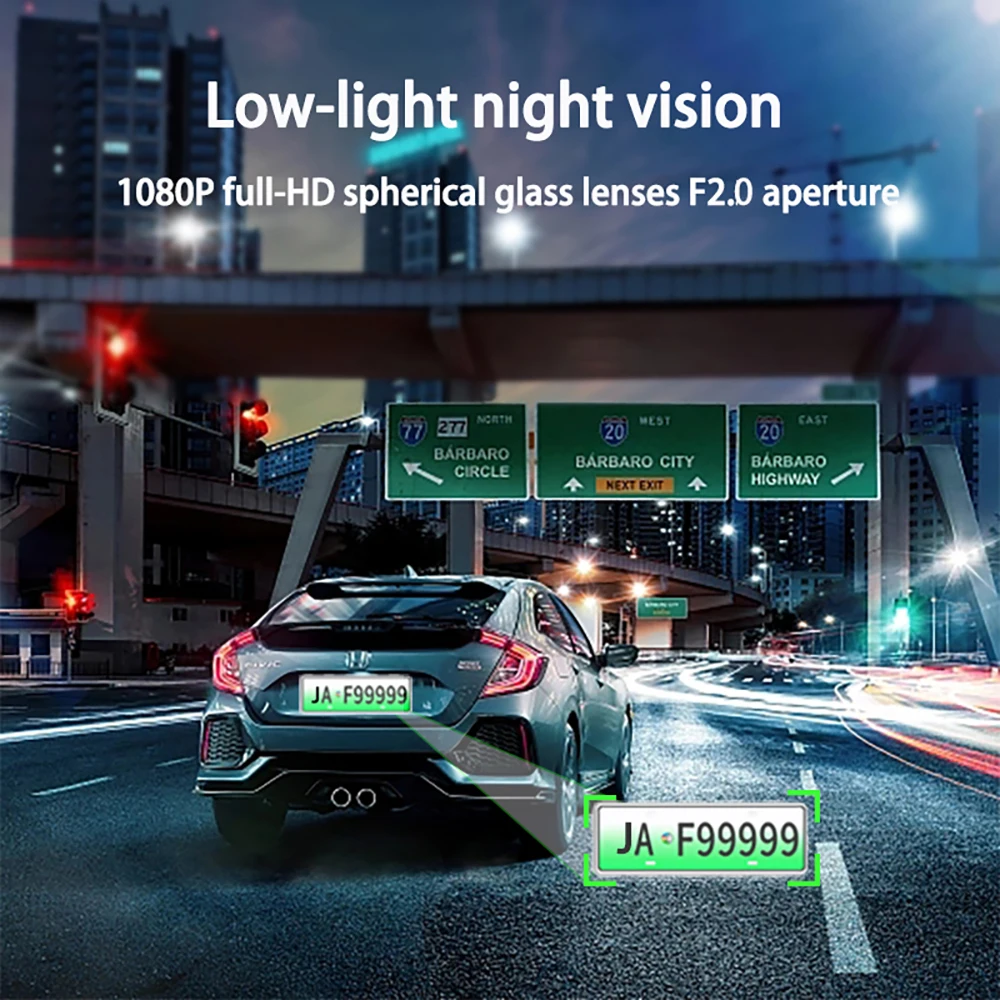
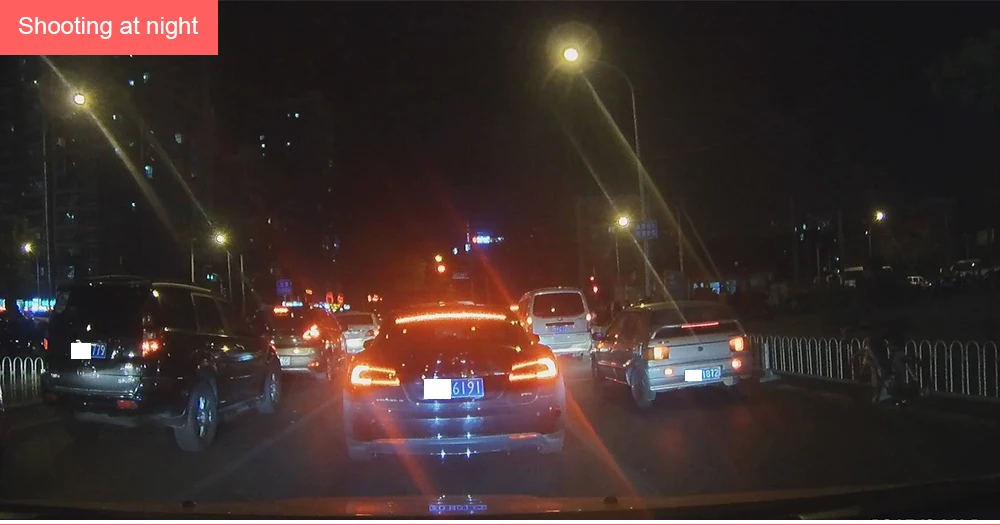
Powerful Night Shot
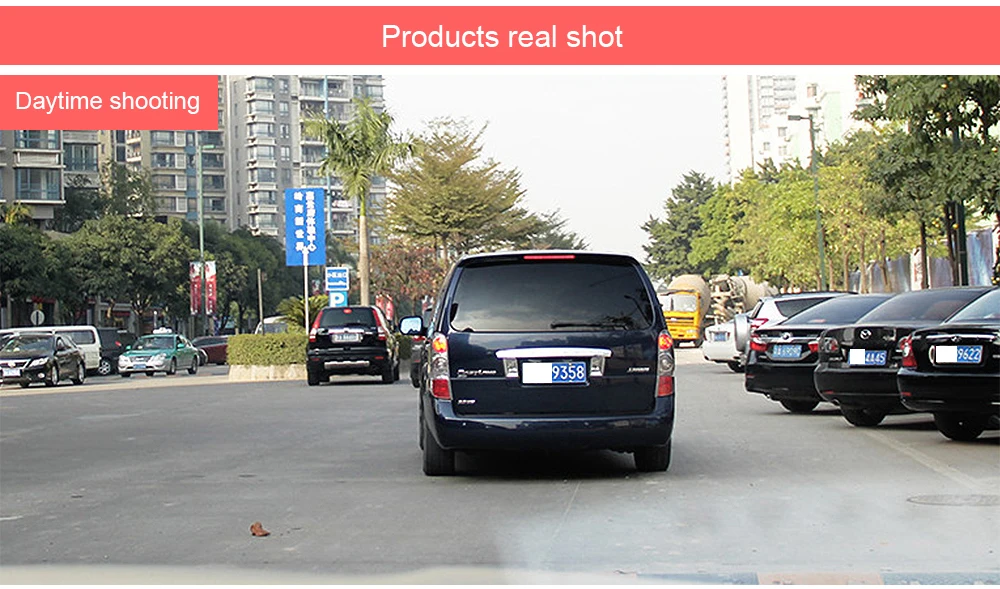
The wide F/2.0 aperture delivers superior image quality, day or night. Proprietary focal length technology, combined with a 6-lens wide-angle lens, allows for more accurate capture of details, such as license plates, even in low light.
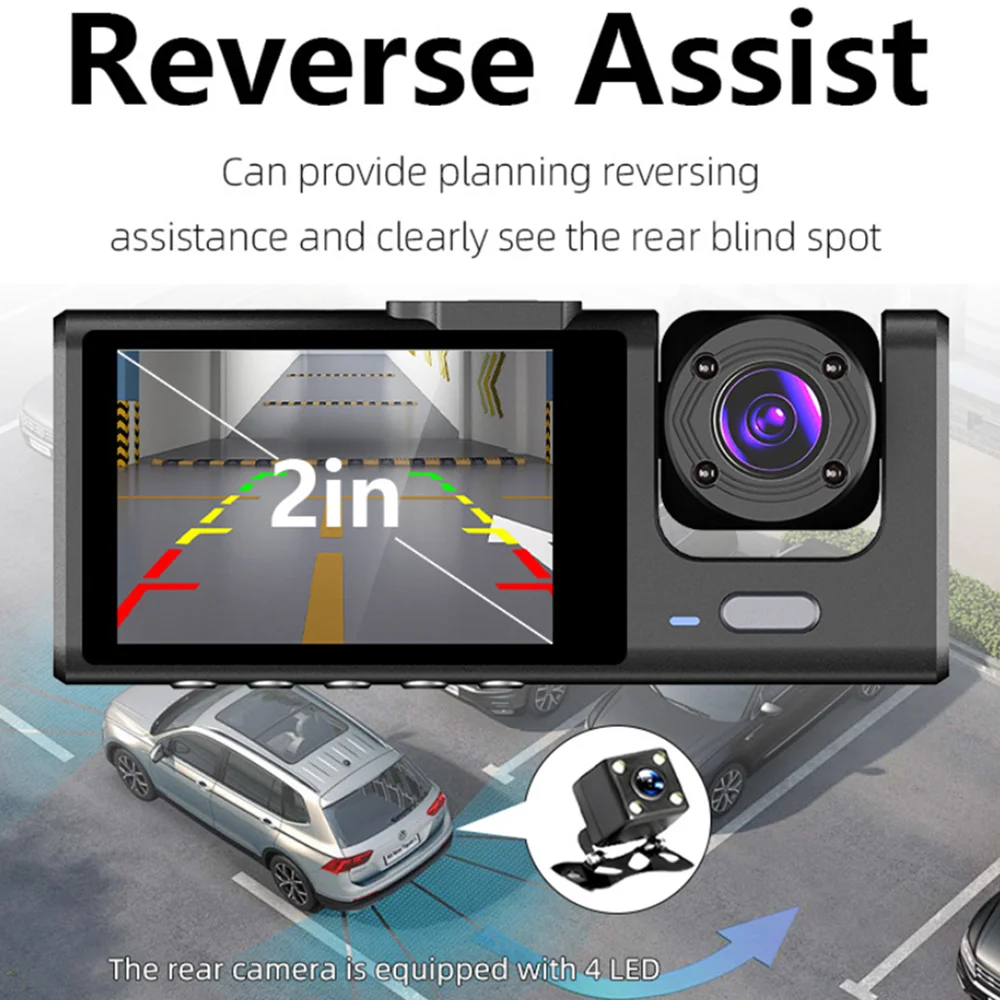
Reverse Image (Optional)
When in reverse gear ("R" position), the screen automatically displays the rearview camera image, and the precise reversing assist line gives you a better parking prediction.
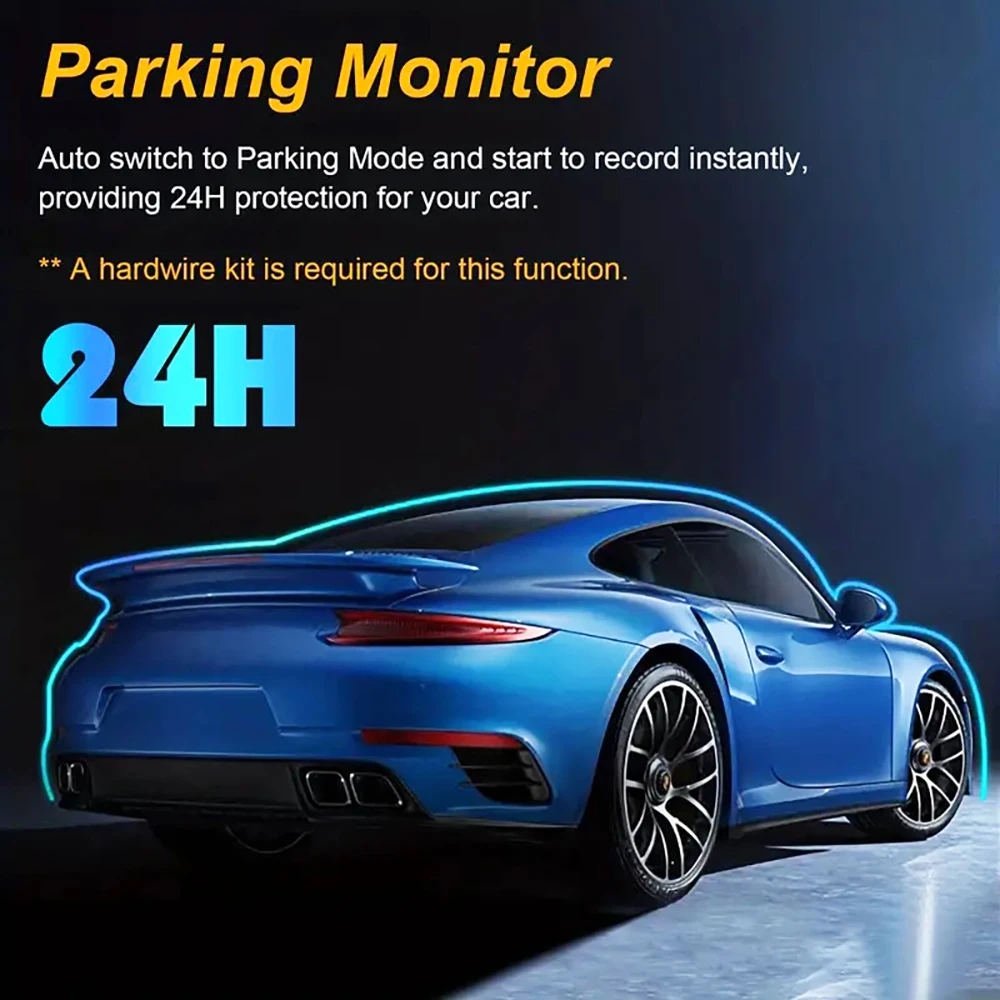
24-hour Parking Monitoring.
Start smart parking detection mode after engine shutdown. Supports motion detection from all three cameras, automatic recording in case of abnormal collision, and time-lapse recording of one frame per second.
(Friendly reminder: parking monitoring requires a special cable for use, otherwise 24-hour monitoring is not possible)
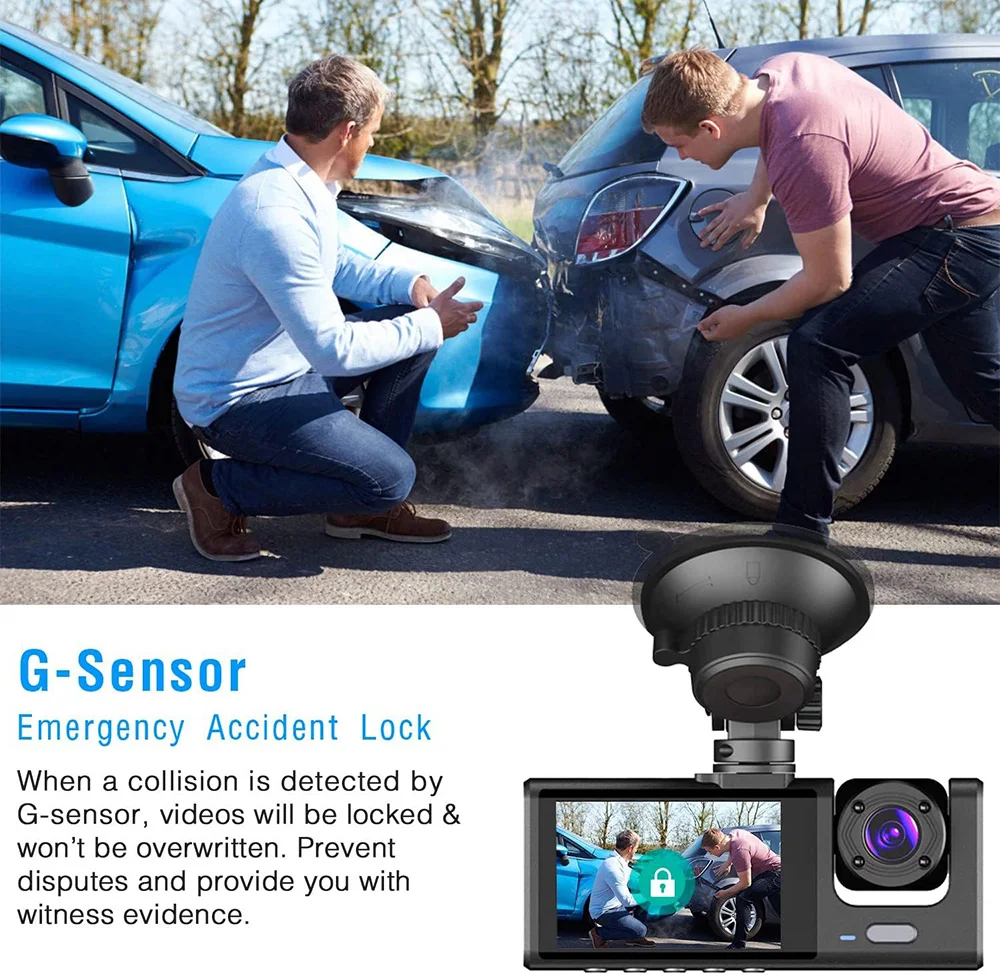
Built-in G-sensor
The built-in G-sensor can automatically lock the current video in case of an emergency during a collision.
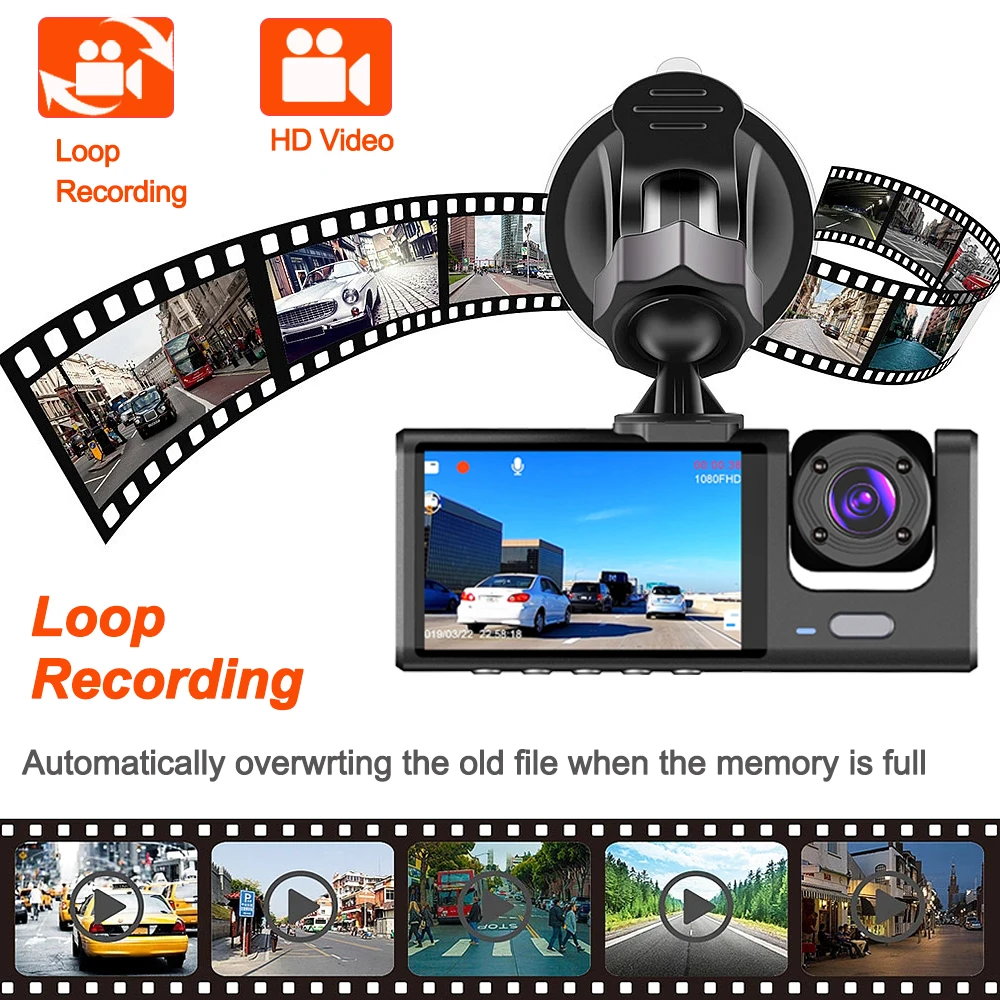
Loop Recording
When the memory card is full, previously recorded videos will be automatically overwritten. Memory space will be seamlessly recycled, and videos locked in emergency mode will not be overwritten.
Correct installation of the external rear camera with three-screen image method (NOTE: Do not use an external battery or mobile phone charger).
① rear camera in the machine
② Machine into the car power supply (using the car charger cigarette lighter)
③ button to switch screen, 1 screen / 2 screens / 3 screens

To protect your privacy, the TF card must be formatted for the first use. There are two solutions:
1. Insert the TF card correctly into the dashcam, open the camera settings, find the storage card format, confirm that formatting is complete, then restart the camera for use.
2. Connect to the mobile app, find the settings in the mobile app, format the memory card, confirm that formatting is complete, then restart the camera for use. Sincere wishes to you and your family.

Installation image

Please note:
After receiving the package, please immediately check if the product is damaged. If there is any problem, please contact me immediately. (Damaged packaging boxes are a normal phenomenon as they are only used to protect the internal products from damage)