illyshop
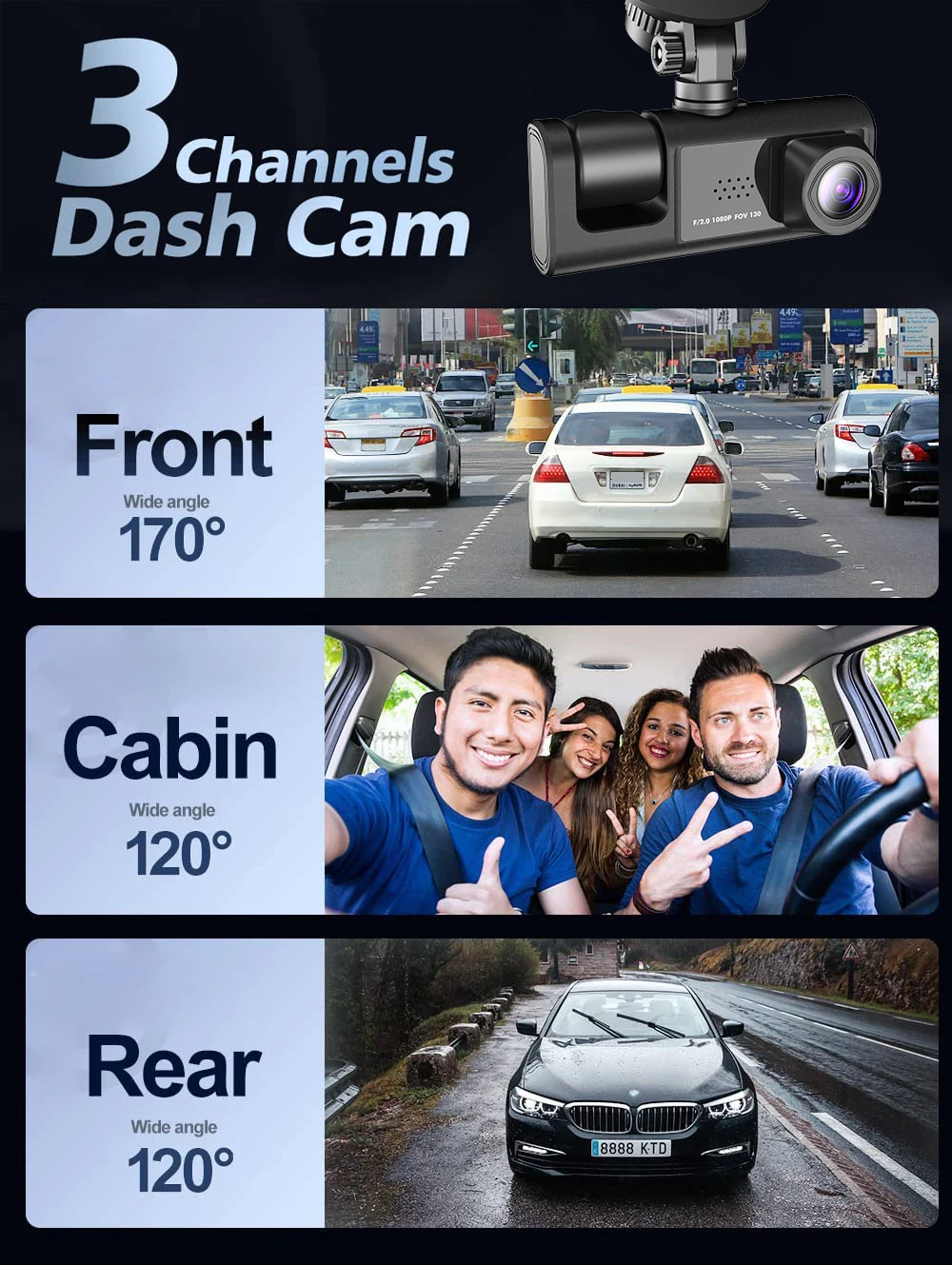
3 WIFI Dash Cam Car Cabin DVR 1080P In-Vehicle Three-Way Channel DVR Recorder Video Recorder Dashcam Camcorder
3 WIFI Dash Cam Car Cabin DVR 1080P In-Vehicle Three-Way Channel DVR Recorder Video Recorder Dashcam Camcorder
Couldn't load pickup availability
SPECIFICATIONS
Audio Recorded: Yes
Battery: Built-in
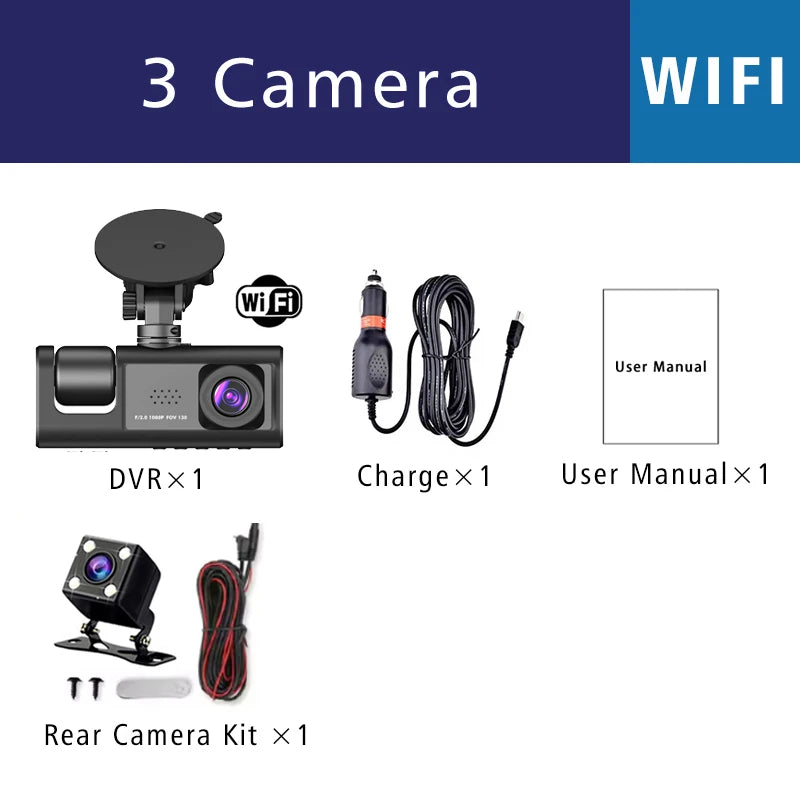
Rear Camera: Yes
Choice: yes
Original Packaging: Yes
Chipset Manufacturer: GENERALPLUS
NightShot Function: Yes
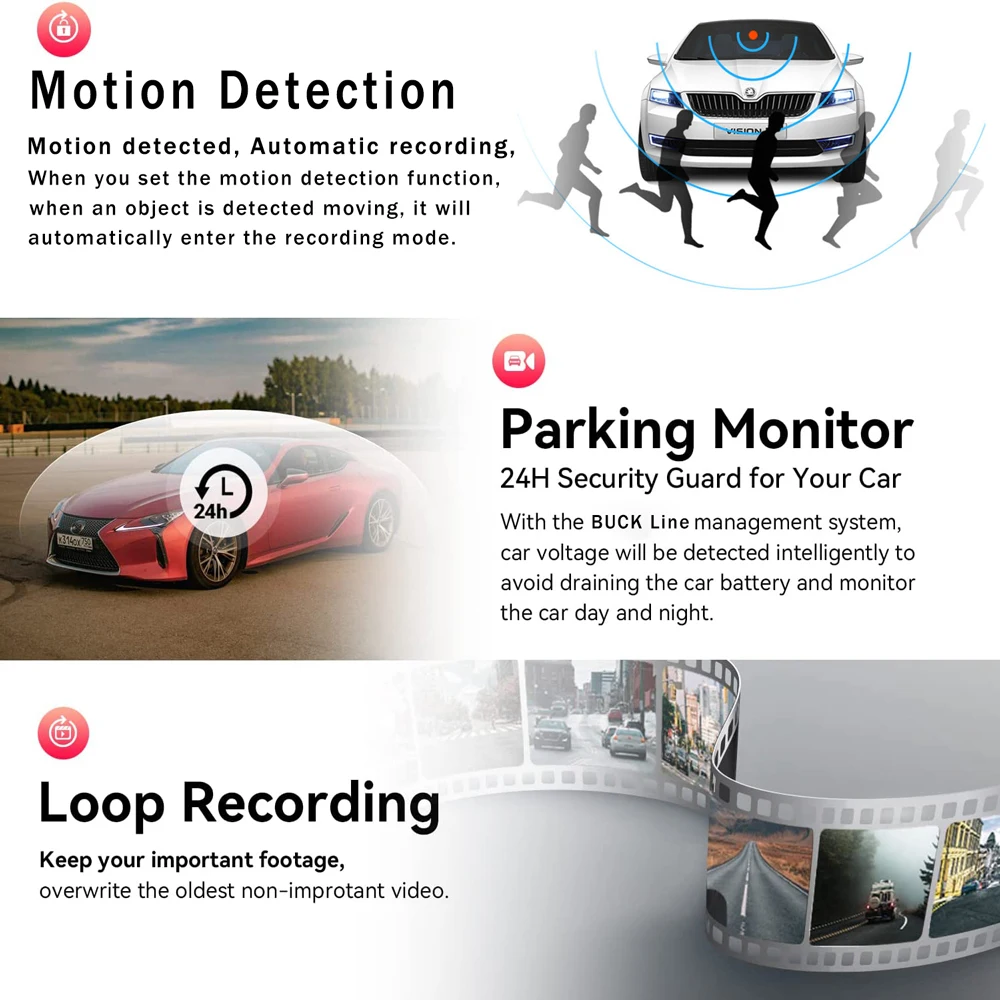
Loop Recording Function: Yes
Special Features: G-sensor,Digital Zoom,Motion Detection,SD/MMC Card,Anti Surge Voltage Impact,Anti-fog,Anti-Vibration,Real-Time Surveillance,Automatic White Balance,Wide Dynamic Range,Wifi Function,Parking Monitor,3D DNR
Frames Per Second: 30
OSD Language: Arabic,Chinese (Simplified),English,FRENCH,German,HEBREW,Italian,Japanese,Korean,Portuguese,Russian,Spanish
Are batteries included: No
Assembly Mode: Portable Recorder
Maximum External Memory: 128GB
Brand Name: USEEBEE
Number Of Lenses: 3
Origin: CN (Origin)
Pixels: 800 Megabytes
High Concern Chemical: None
Camera Resolution: 1920 x 1080
Power Source: Wired Electric
Display Size: 2
Item Type: Car DVR
Memory Card Required Reding Speed: Class 10
Built-in Screen: Yes
Important Reminder:Due to the high-speed storage requirements of high-definition DVRs, please make sure to use high-quality U3 brand memory cards with C10 speed. Some low-quality, low-priced memory cards on the market may not allow the DVR to function properly.
About memory card formatting:
When you install a memory card for the first time, be sure to format the memory card on the DVR. After formatting, the DVR can properly match the memory card.
Formatting steps:
After installing the memory card, long-press the "M" key to enter the DVR menu, find the format option, and click to format the memory card (Important: Formatting the memory card on the computer is an incorrect operation. Be sure to format the memory card in the DVR's menu option.)
About WIFI connection:
Before connecting to the DVR on the phone, it is necessary to install the "Viidure APP" WIFI connection application in advance. You can search for "Viidure" in the Apple App Store or Google App Market.
Steps:
(1) In standby mode, long-press the "M" key to enter the DVR menu and access the WIFl setup menu;
(2) In the DVR's wifi menu, check to get the wifi SSID name and password;
(3) Open the "Viidure" APP on your phone, enter the setup mode, turn on the phone's wifi function, follow the prompts to find the DVR's SSID wifi signal, and enter the password to connect;
(4) After successful setup, you can connect and operate the DVR through the "Viidure" APP.
About the reversing assist function:
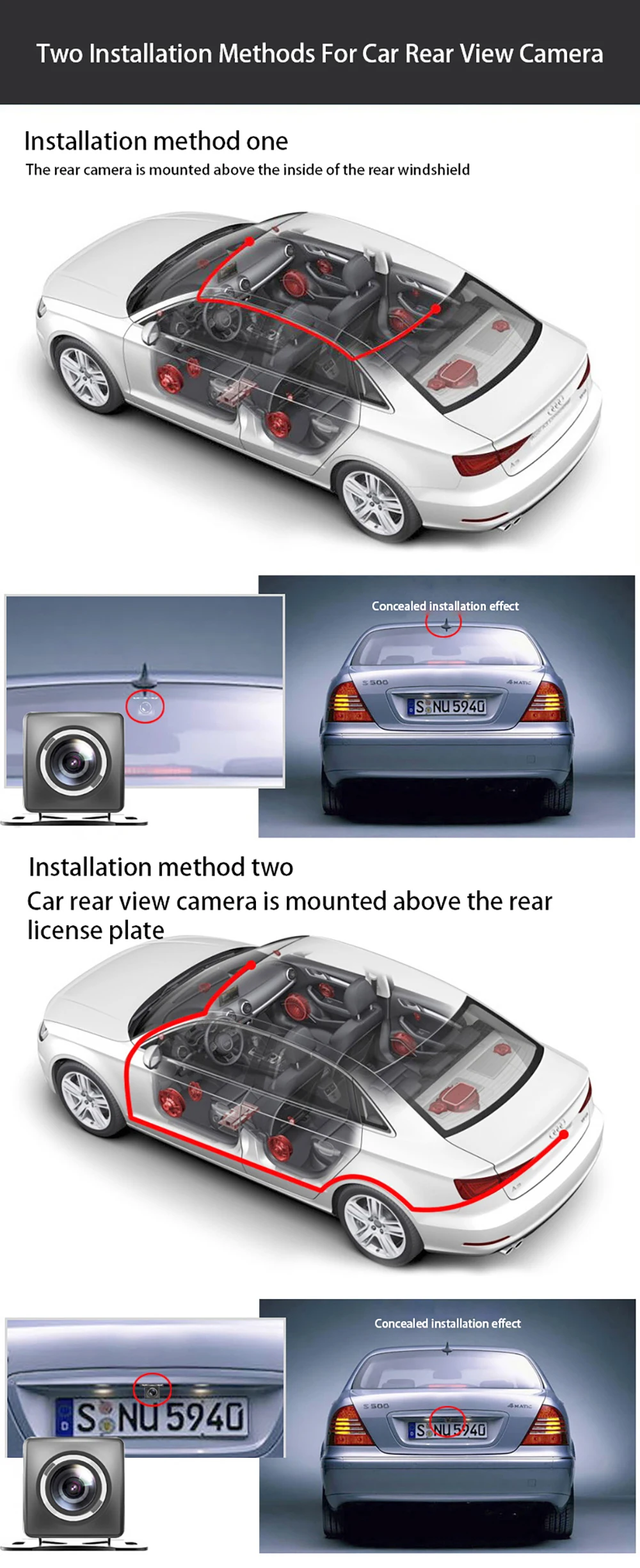
If the kit you ordered includes a rear camera and you need to implement the reversing assist function, you need to connect the red signal wire of the rear camera to the car's reversing light (the light will illuminate when reversing). If you do not need the reversing assist function, just unplug the red signal wire and leave it disconnected.
About 24-hour parking monitoring:
If you need the 24-hour parking monitoring function, you can order the corresponding Buck Line accessories to replace the car charger. Through the Buck line, the DVR's power can be directly obtained from the car's battery or the car's ACC, so that the DVR can maintain normal recording even when the car is off. (Since different car models have different battery interfaces or ACC interfaces, it is not recommended to install it yourself. It is recommended to find a professional to install the Buck line.)
About Reset and Restart:
If the DVR crashes or fails to power on due to improper operation, you can restore its operating status using the reset button. There is a small hole on the side of the DVR marked with an "R" icon. Use a tool like a toothpick to press and hold this hole for 3 seconds, and the DVR will return to normal operation.
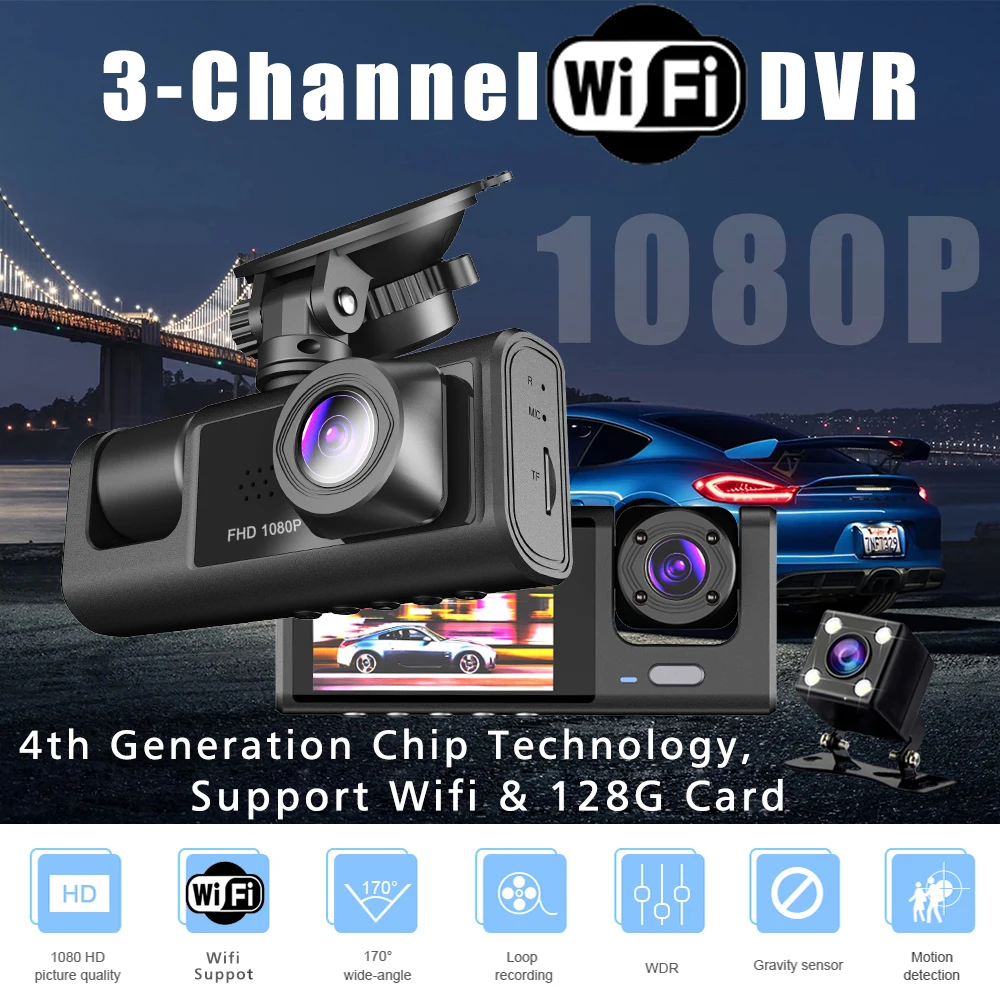
WIFI Car DVR 3-channel HD 1080P WIFI Interior Vehicle Dash Cam Three-way Camera DVR Recorder Video Recorder Mini Dashcam Camcorder
Product Specifications:
> File Format: AVI
> Voltage 1 Current: 5V/1A
> Video Resolution: 1080P; 720P; VGA
> Continuous Loop Video: Seamless loop recording
> Automatic On/Off: Supports automatic ignition and shutdown
> Interface: USB support
> Time Synchronization: Supported
> Memory Card Support: TF card, up to 128GB
> Built-in Stereo: Supported
> Frequency: 50 Hz / 60 Hz