illyshop
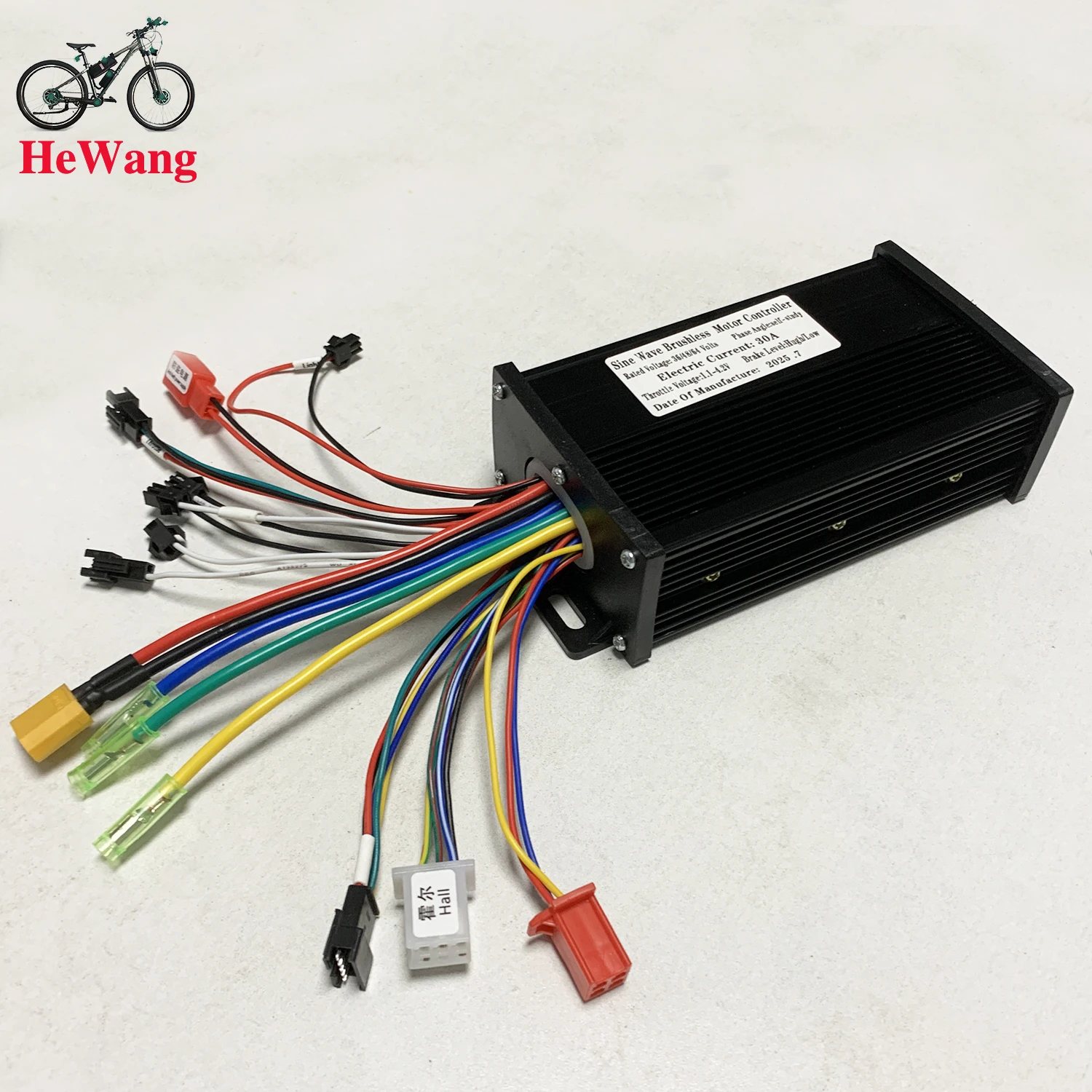
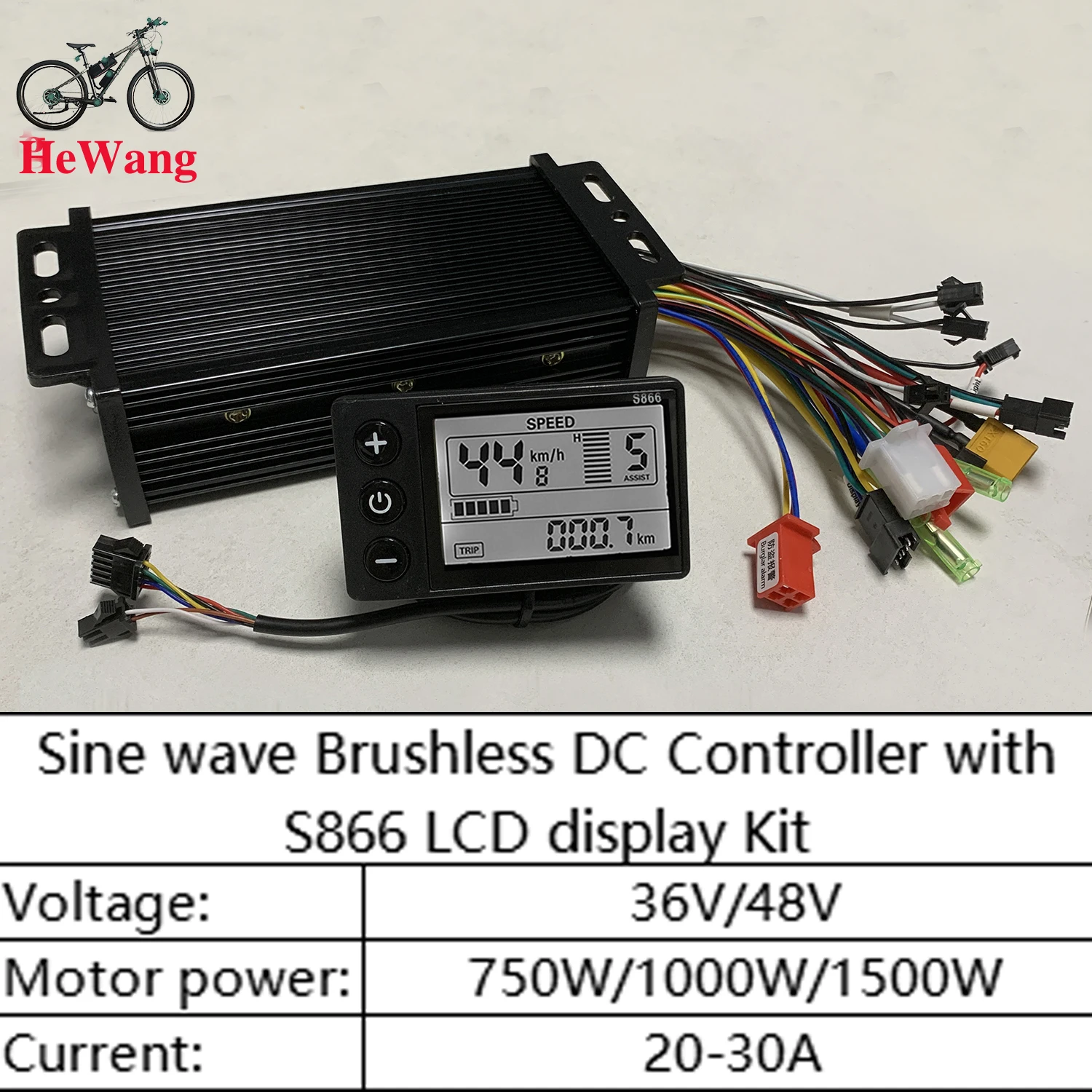
36V 48V 30A 750W 1000W 1500W E-Bike Sine Wave Brushless Motor Drive Controller + S866 LCD Display Kit for Electric Mountain Bike and Scooter
36V 48V 30A 750W 1000W 1500W E-Bike Sine Wave Brushless Motor Drive Controller + S866 LCD Display Kit for Electric Mountain Bike and Scooter
Couldn't load pickup availability
SPECIFICATIONS
20A-30A: E-bike Scooter Brushless motor Controller
36V 48V: three-mode
Choice: yes
Brand Name: NONE
Origin: CN (Origin)
Substance of very high concern: None
Self-study: E-brake
Type: Controller
With No. 2 protocol: S866 LCD Display
s866 LCD display: 36V 48V
Note: Error code E06 occurs. The product defaults to 36V, which is an undervoltage situation. You can manually adjust the meter to adapt to 24V, or check the battery and adjust it to 24V and wait for about 10 seconds. Do not touch anything during this period. It will automatically convert. Video link: https://video.aliexpress-media.com/seller/play/5000264806825.mp4
Note: If error code E07 occurs, the power-assist PAS cable (red, yellow, black) and the throttle cable (red, green, black) are incorrectly connected. Follow the wiring video link, or re-plug the throttle cable and adjust the signal line of the throttle cable (red, green, black). Reference videos: https://video.aliexpress-media.com/seller/play/5000298772350.mp4 and https://video.aliexpress-media.com/seller/play/5000298772350.mp4
Note: If error codeE10 occurs, it indicates a loose connection at the dashboard connector. Try unplugging and re-plugging the cable. Refer to the video website: https://video.aliexpress-media.com/seller/play/5000376402889.mp4
Specifications: Features:
This monitor is made of high-quality materials, lightweight, rainproof, strong, and durable.
The LCD screen can clearly display status and data, the backlight allows you to clearly view the screen in a dark environment, and key operation is quick and easy to use.
The controller is a brushless controller that operates silently and reacts sensitively to the e-bike's status.
Easy to install and use, equipped with an LCD display bracket, suitable for 22.5 mm handlebars.
You can set the power-on password, control the lights, and assist you. The speed is divided into 3/5/9 gears, and the number of gears is optional. You can choose whether or not to divide the gears by turning the handle.
Suitable for electric bicycles and scooters.
Specifications:
Material: plastic + LCD + metal
Color: as shown in the picture
Power: 500/750/1000W
Waterproof: rainproof
Controller size:
Display size: approx. 15*8.5*4 cm
Weight: approx. 500 grams
Packing list:
1 x LCD display
1 x controller
Note:
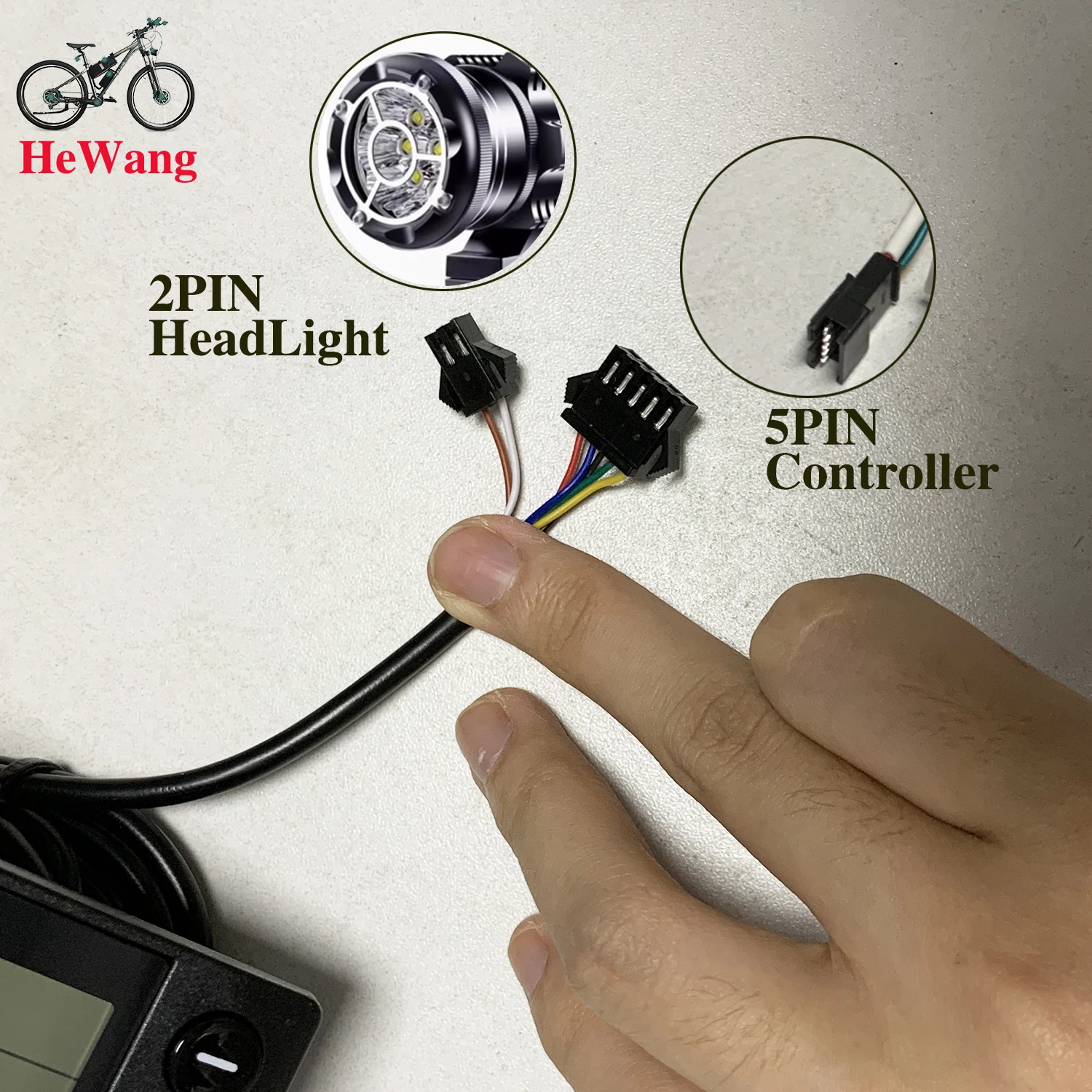
Each cable is marked with different colors for different uses.
Red: positive power
Black: negative power
Yellow: output power
Brown: positive light
White: negative light
Blue: indicator light
Green: signal reception
Note:
1.The product's power is set to 8 at the factory, which basically corresponds to most split superchargers on the market. If the customer uses an integrated compressor, please set it to 12.
2.P13 in the manual corresponds to the product's power setting. If the compressor is incompatible, the customer needs to adjust it to 8 or 12.
3.Please note that the controller model is sent randomly. Please confirm whether you are satisfied before placing an order.
How to use: After receiving the product, first ensure phase alignment: plug in the smart identification line and identify the motor. The identification line consists of two green lines. After plugging in, be careful to suspend the car, and the motor will run automatically. At this point, if the motor's rotation direction is correct, operate for 10-15 seconds, unplug the identification line; if the direction is opposite, unplug the identification line and plug it back in, the motor direction will switch to forward, operate for another 10-15 seconds, unplug the identification line, and the motor direction will switch to forward. Operate for another 10-15 seconds, unplug the identification line, and it's done. Once identification is complete, the identification line remains disconnected, do not plug it back in.
Package list:
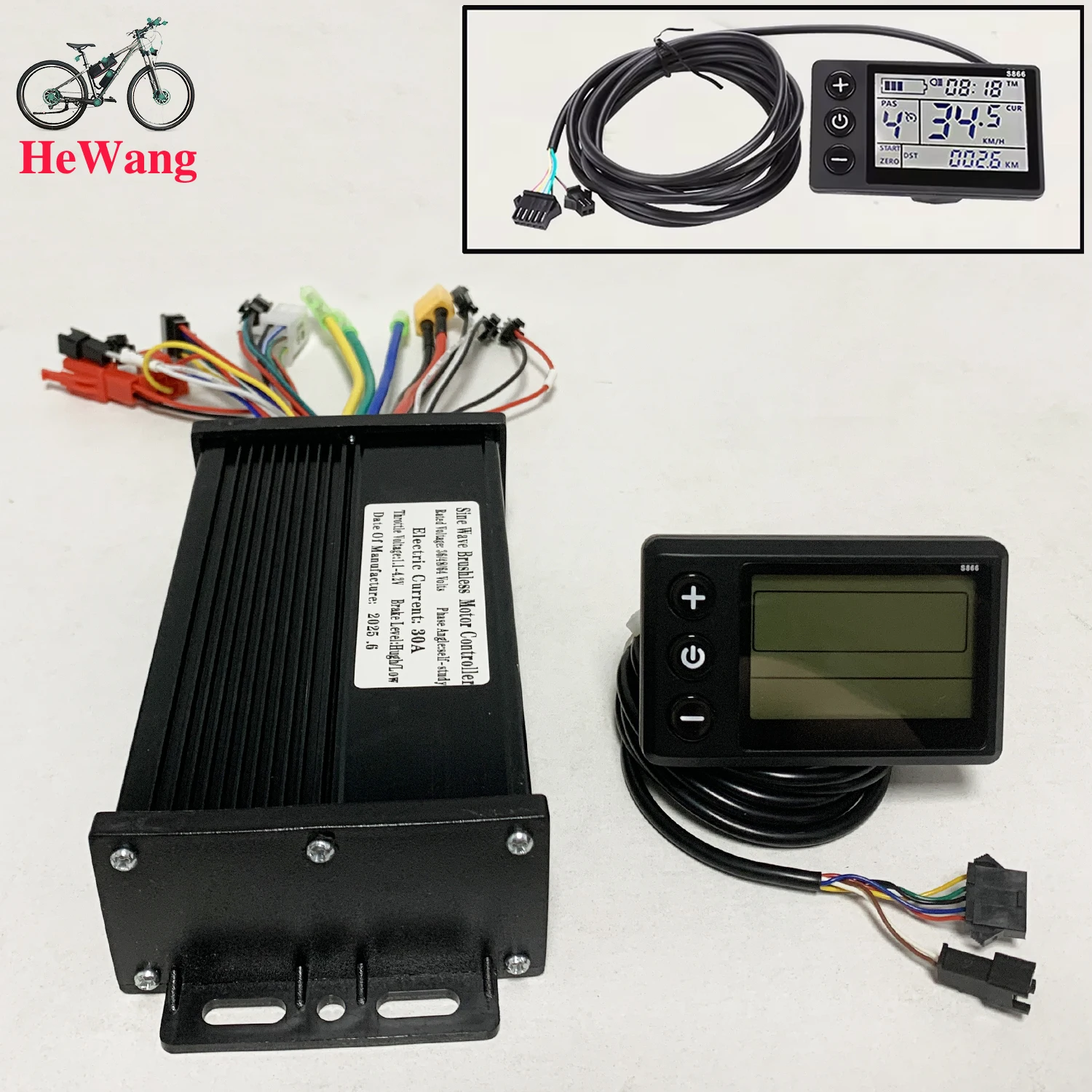
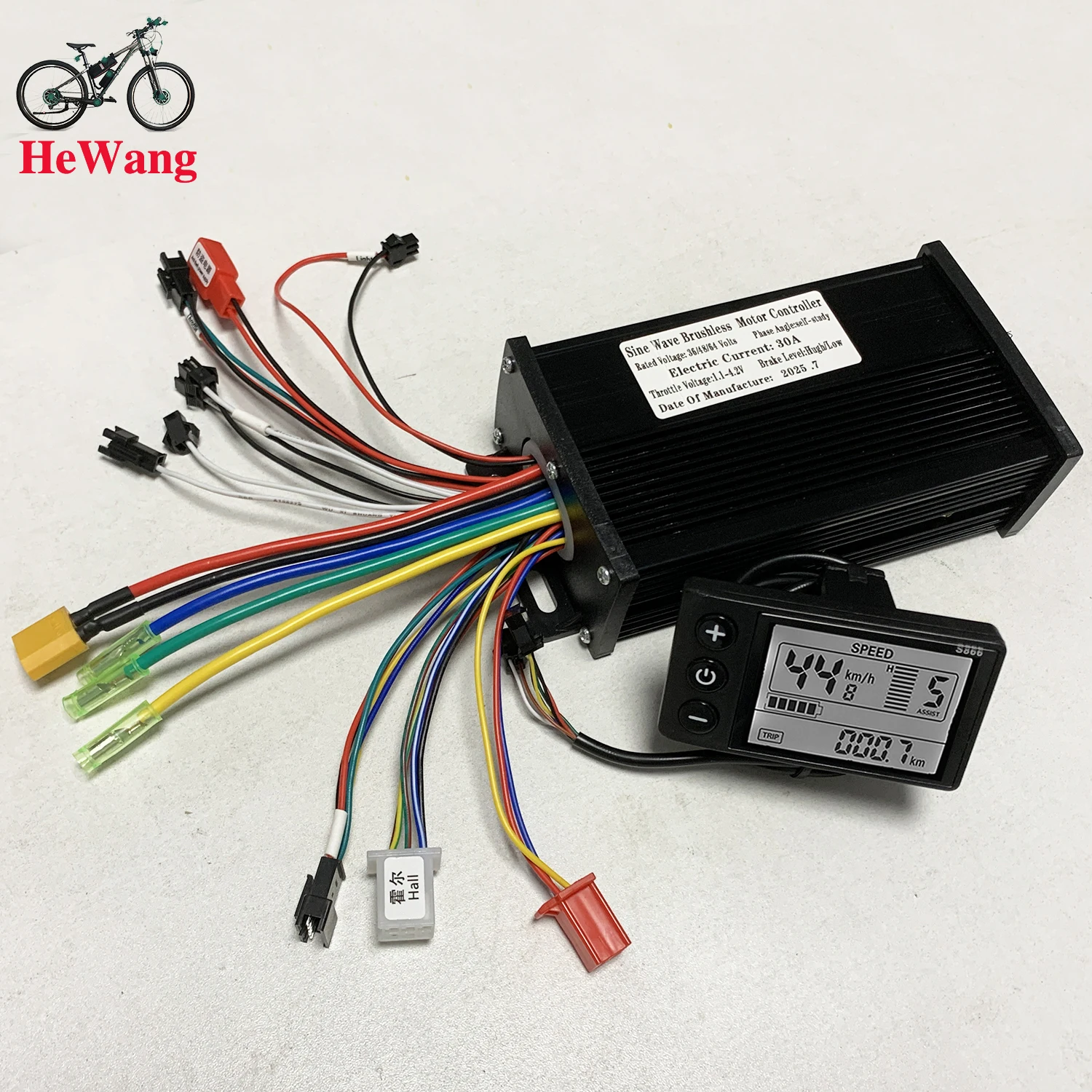
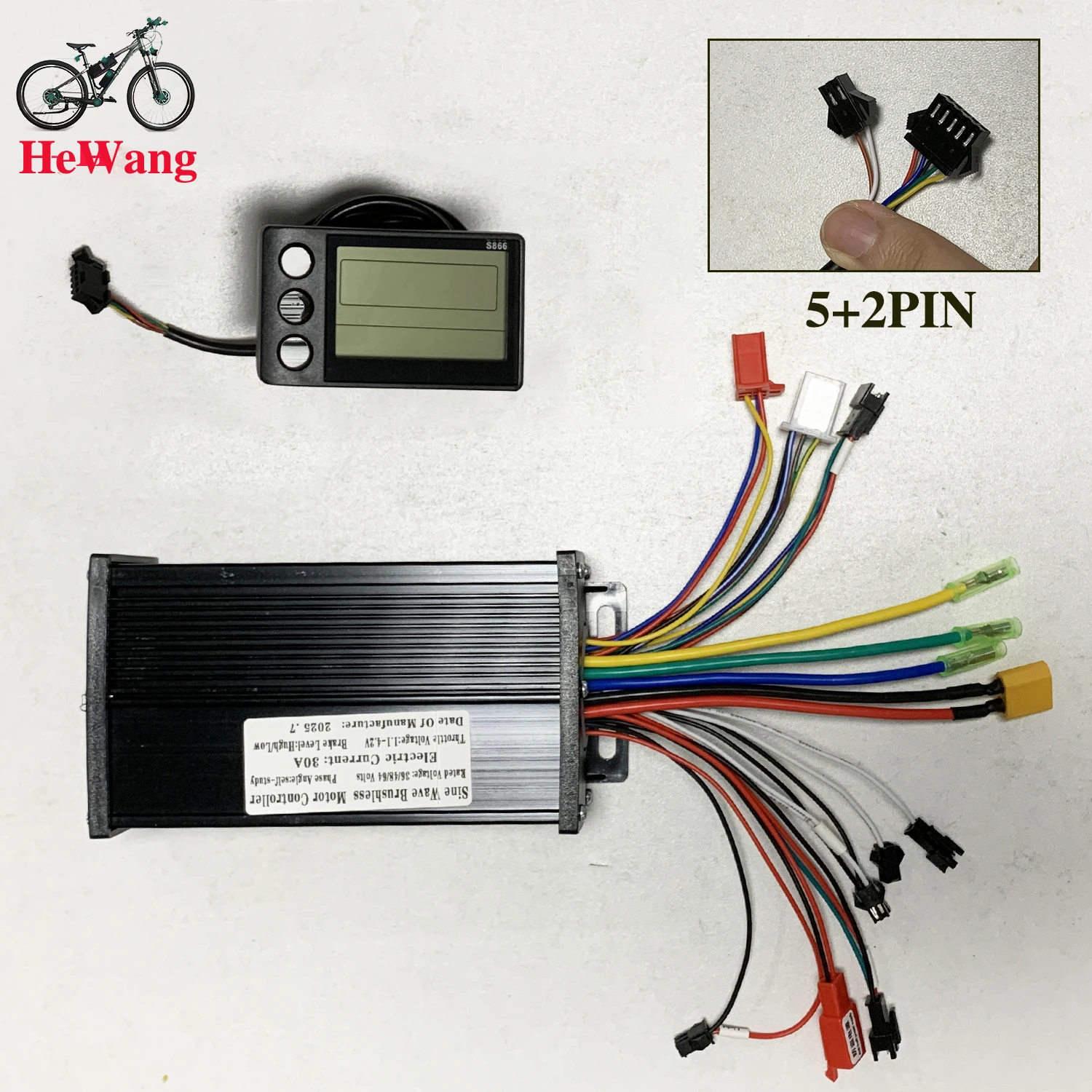
1.Operating voltage: DC 36 V, 48 V compatible with other customizable voltages.
2.Wiring method:
Note: The wires of some products use waterproof connectors and users cannot see the wire color in the harness. Function description:
Function:
1.Display function
Speed display, power indication, fault prompt, total mileage, single mileage 2.Control and setting function
Power switch control, wheel diameter setting, automatic idle sleep time setting, backlight brightness setting, start mode setting, control mode setting, voltage level setting, controller current limit value setting, 3.Communication protocol: UART All display screen content (full display within 1S after power-on)
Display content introduction
3.1 Battery power and BMS remaining power display
3.2 Multifunction display area
Total mileage 0D0, single mileage TRIP (unit: kilometer, km), single power-on time TIME, battery voltage VOL, DST: endurance mileage
3.3 Speed display area
AVG: average speed, MAX: maximum speed, SPEED: current speed; unit Mp/h, km/h speed signal is taken from the Hall signal in the motor and sent to the instrument via the controller (one Hall cycle time, unit: 1MS) The instrument will calculate the actual speed according to the wheel diameter and signal data (motor hall also needs to set the number of magnetic steels),
3.4 Vehicle power setting, 0-9 speed digital display and speed bar display;
3.5 Vehicle status display area
Motor fault; : Fault; : Brake prompt; : Headlight on prompt:
3.6 Vehicle status code table:
Error code (decimal) Error status Remarks
0 Normal state
1 reserved
2 Brakes
3 Power sensor fault (driving sign) Not implemented here
4 6 KM/H cruise
Settings
P01: Backlight brightness, level 1 is darkest, level 3 is brightest;
P02: Mileage unit, 0: KM; 1: MILE; P02:
P03: Voltage level: 24V, 36V, 48V;
P04: Sleep time: 0, no sleep; other numbers are sleep time, range: 1-60; unit: minutes
P05: Power gear: 0, 3 speed mode:
1, 5 speed modes:
P06: Wheel diameter: unit, inch; accuracy: 0.1;
This parameter is related to the speed displayed by the instrument and must be entered correctly;
P07: Number of speed magnets: range: 1-100:
This parameter is related to the speed displayed by the instrument and must be entered correctly;
If it is an ordinary hub motor, directly enter the number of magnets;
If it is a high-speed motor, you also need to calculate the reduction ratio, input data = number of magnets x reduction ratio;
For example: the number of motor magnets is 20, the reduction ratio is 4.3: the input data is: 86 = 20 x 4.3
P08: speed limit: range 0-100km/h, 100 means no speed limit
The input data here indicates the maximum operating speed of the vehicle: for example, input 25, which means that the maximum operating speed of the vehicle will not exceed 25km/h; the driving speed is kept at the set value,
Error: 1 km/h; (power assist and handlebar limited)
Note: The value here is based on kilometers. When the unit setting is converted from kilometers to miles, the speed value on the display interface will be automatically converted to the correct mile value, but the speed limit value set in this menu under the kilometer interface will not be converted and is inconsistent with the actual displayed speed limit value;