illyshop
11.26 "UHD 4K 2160P coche Dvr GPS WIFI espejo Dash Cam doble lente Dashcam IPS pantalla cámara reproductor grabador flujo espejo retrovisor
11.26 "UHD 4K 2160P coche Dvr GPS WIFI espejo Dash Cam doble lente Dashcam IPS pantalla cámara reproductor grabador flujo espejo retrovisor
No se pudo cargar la disponibilidad de retiro
ESPECIFICACIONES
Mostrar: IP
Ángulo de visión: 170
Audio grabado: Sí
Batería: Integrado
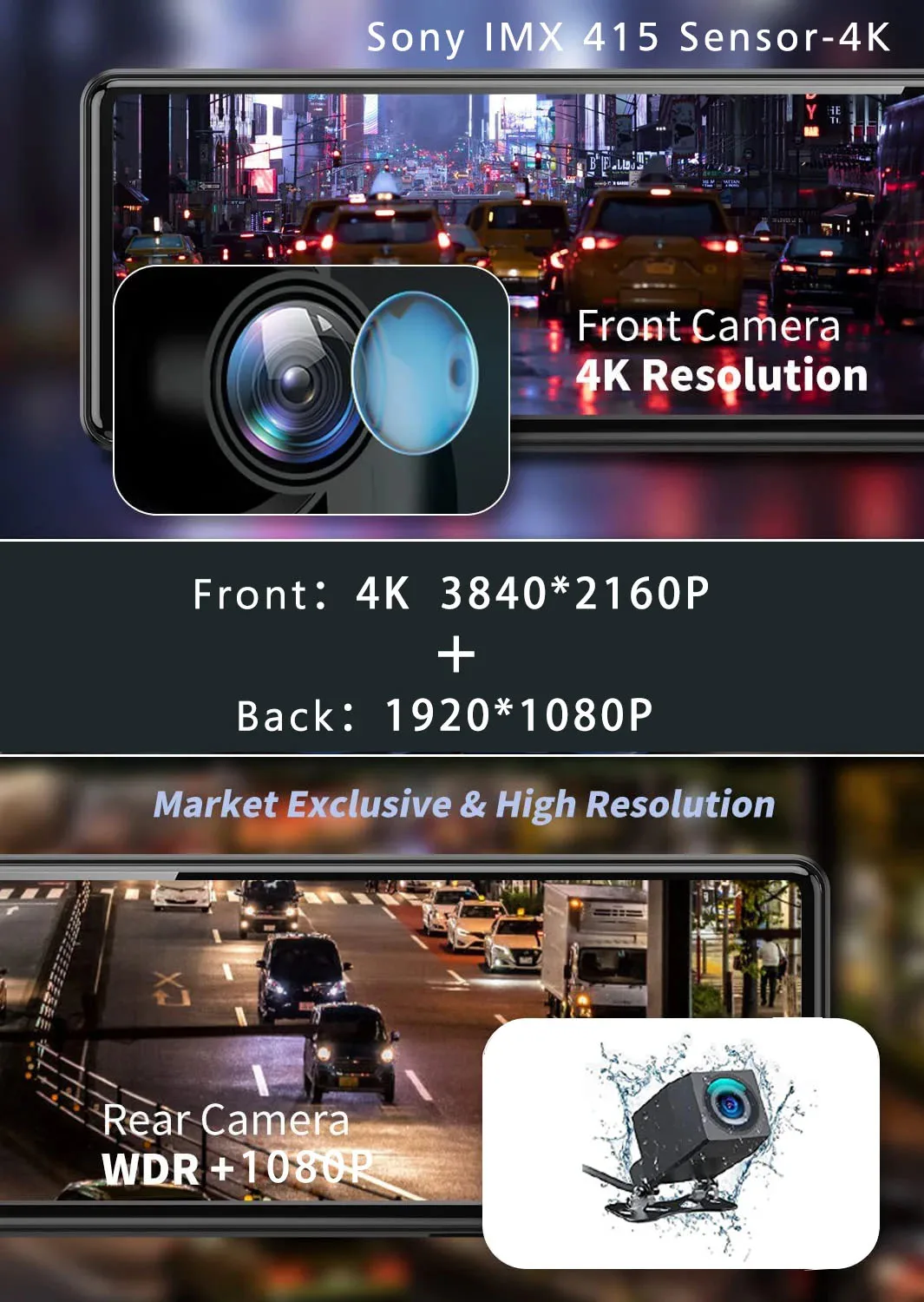
Cámara trasera: Sí
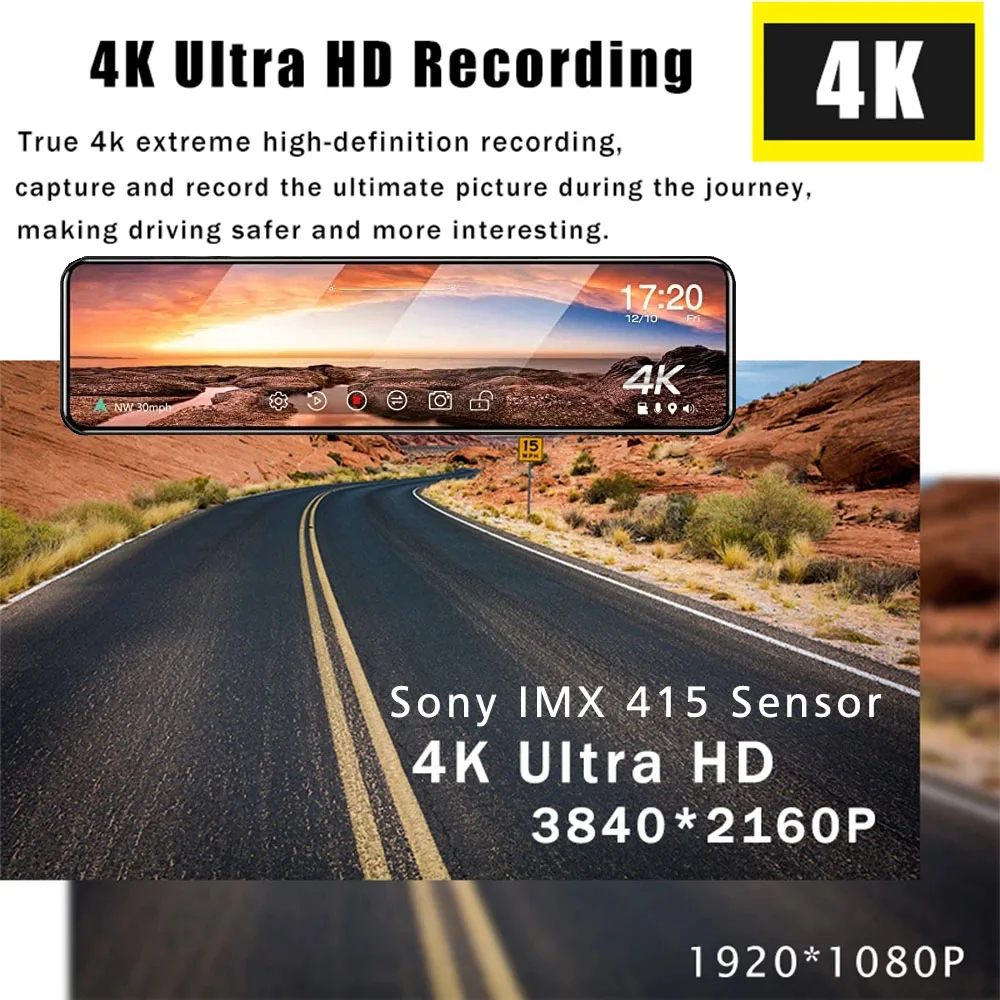
Sensor de imagen: SONY IMX 415
Elección: sí
Código de vídeo: h.265
Compatibilidad de la aplicación: Viidure
Embalaje original: Sí
Grabador GPS: Exterior
Fabricante de chipset: Todo ganador
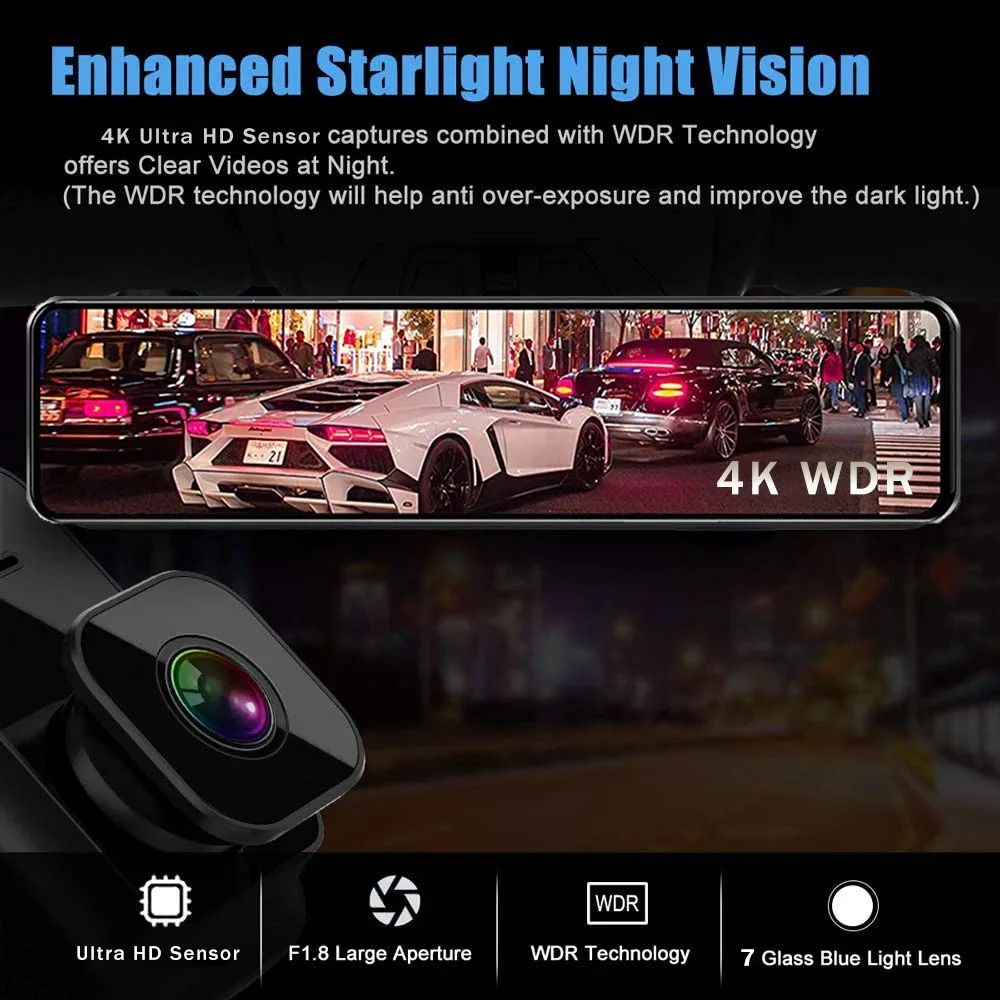
Función NightShot: Sí
Función de grabación en bucle: Sí
Características especiales: Sensor G, Rotación de la pantalla, Zoom digital, tarjeta SD/MMC, Con espejo retrovisor, Protección contra sobretensiones, Antivaho, Antivibración, Monitoreo en tiempo real, Balance de blancos automático, Amplio rango dinámico, función WiFi, Monitor de estacionamiento, Grabación de velocidad y coordenadas, NDR 3D, GPS externo
Formato de vídeo: TS
Cuadros por segundo: 30
Interfaz: HDMI, Entrada AV, Wi-Fi, MICROSD/TF
Idioma OSD: Árabe, Chino (Tradicional), Holandés, Inglés, FRANCÉS, Alemán, HEBREO, Italiano, Japonés, Coreano, Polaco, Portugués, Ruso, Español, Turco
¿Pilas incluidas?: No
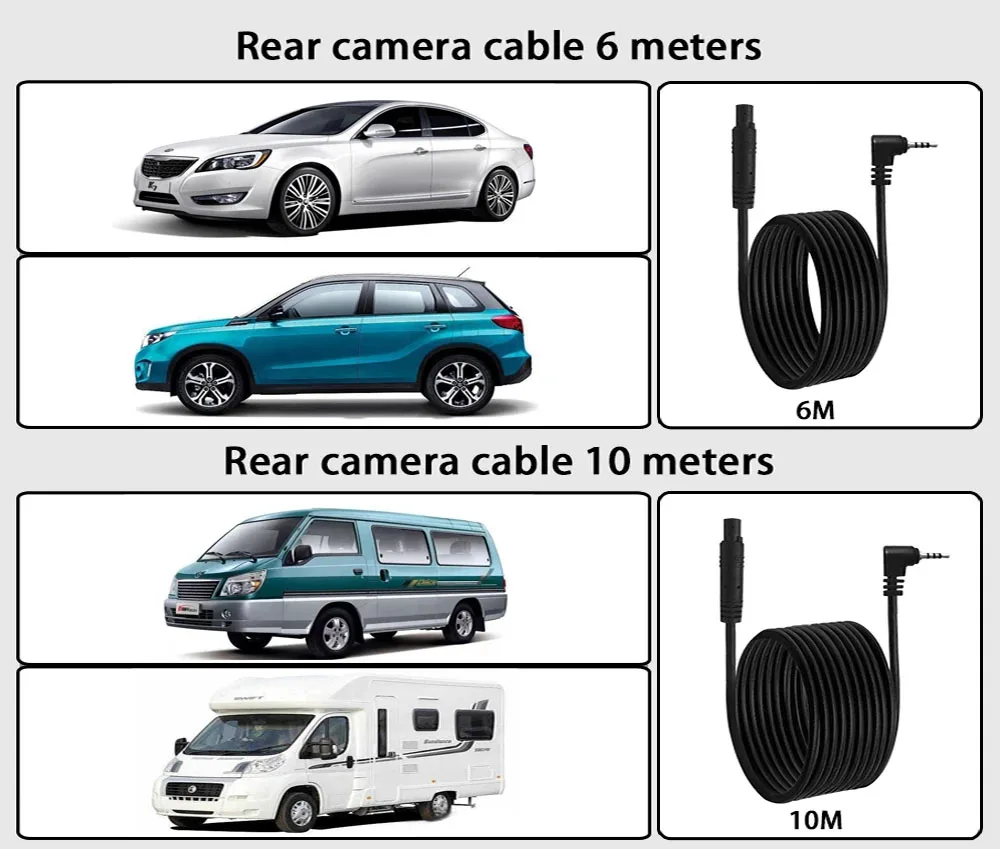
Longitud del cable: 6M/10M
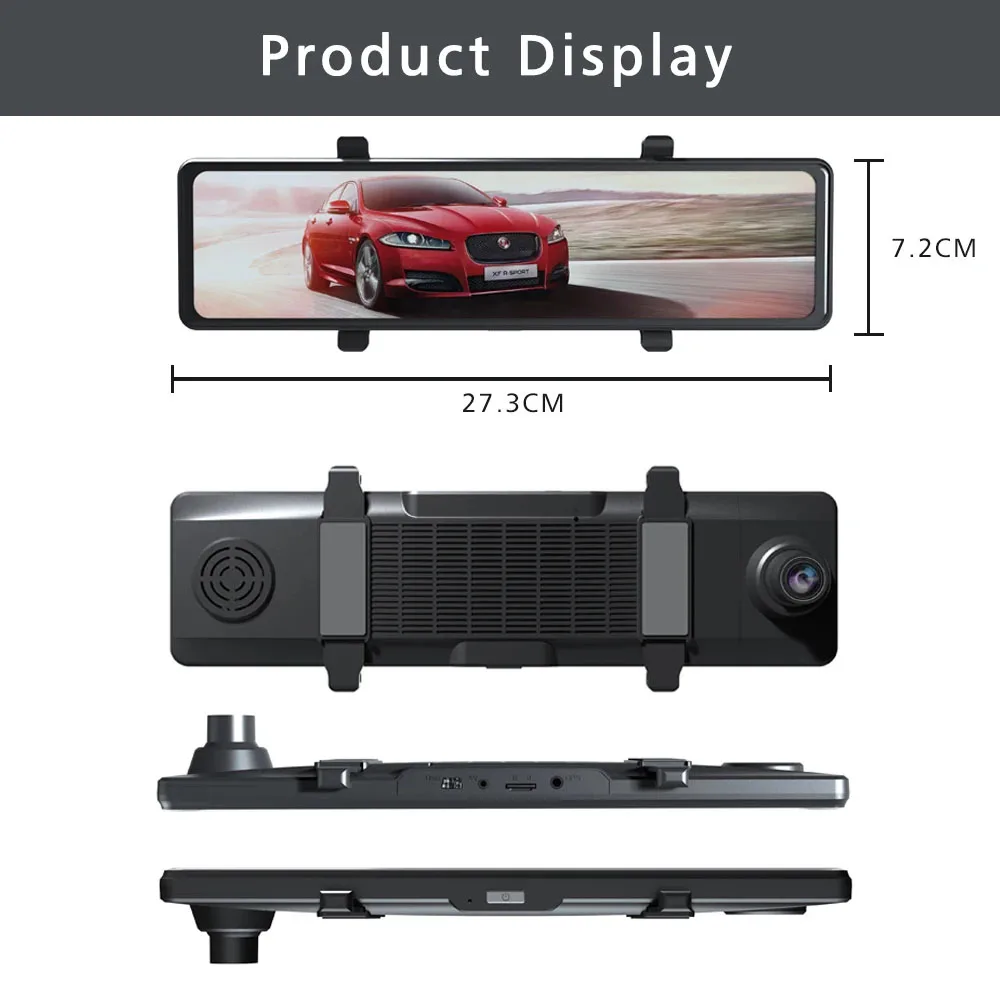
Modo de montaje: espejo retrovisor
Memoria externa máxima: 256G
Nombre de la marca: USEEBEE
Número de lentes: 2
Origen: CN (Origen)
Píxeles: 1800 megabytes
Sustancia química altamente preocupante: Ninguno
Resolución de la cámara: 3840 x 2160
Fuente de alimentación: Eléctrico con cable
Tipo de artículo: DVR para coche
Velocidad de lectura requerida de la tarjeta de memoria: Clase 10
Pantalla integrada: Sí
Pantalla táctil: Sí
About Formatting The Memory Card:
When installing a memory card for the first time, be sure to format the memory card on the DVR. After formatting, the DVR can correctly match the memory card.
Formatting Steps: After installing the memory card, please enter the DVR menu, find the format option, and click to format the memory card.(Important: Formatting the memory card on the computer is an incorrect operation. Please be sure to format the memory card on the DVR's menu option.)
About WIFI Connection:
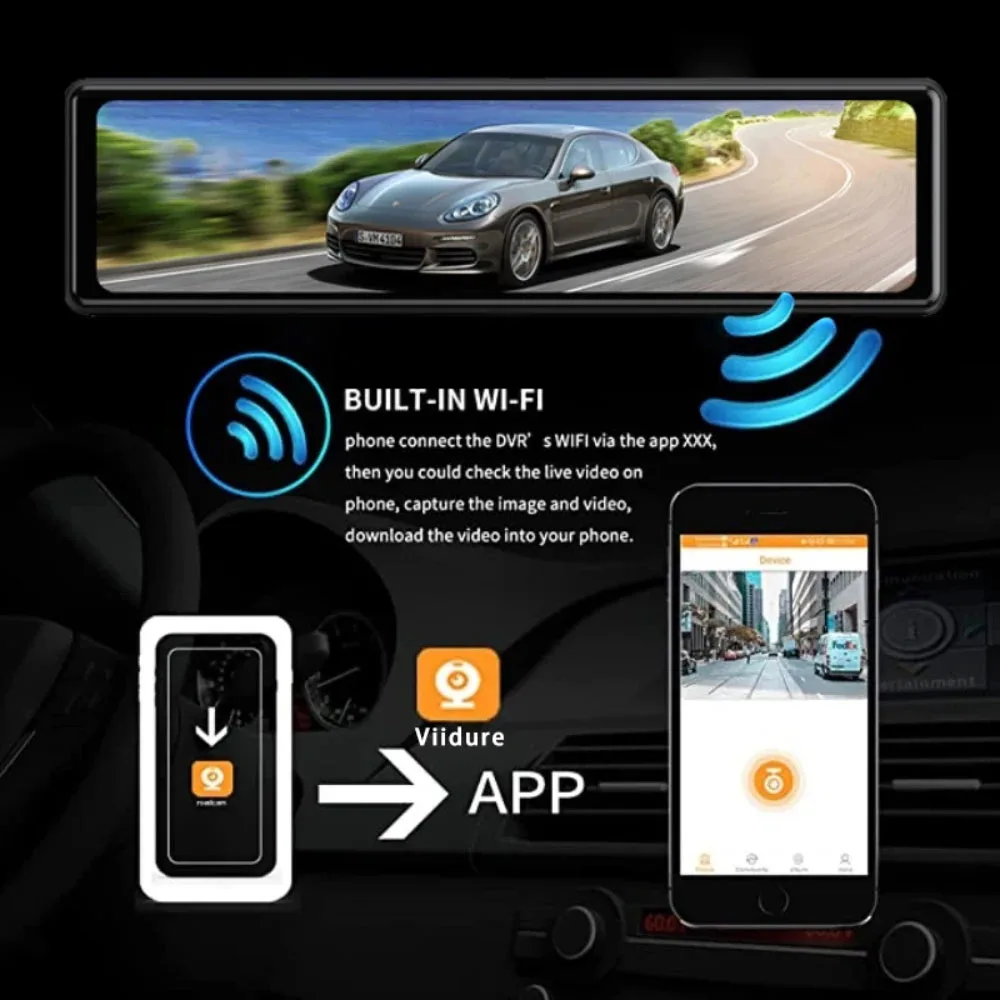
Before connecting to the DVR on the phone, it is necessary to install the WIFI connection app "Viidure APP" in advance.You can search for "Viidure" installation in the Apple App Store or Google App Market.
Steps:
(1) Enter the DVR menu and enter the WIFl setting menu,nable WiFi function;
(2)In the wifi menu of the DVR, check to obtain the wifi SSID name and password;
(3)Open the "Viidure" APP on your phone, enter the configuration mode, turn on the wifi function of the phone, follow the prompts to find the SSID wifi signal of the DVR and enter the password to connect;
(4)After successful configuration, you can connect and operate the DVR through the "Viidure" APP.
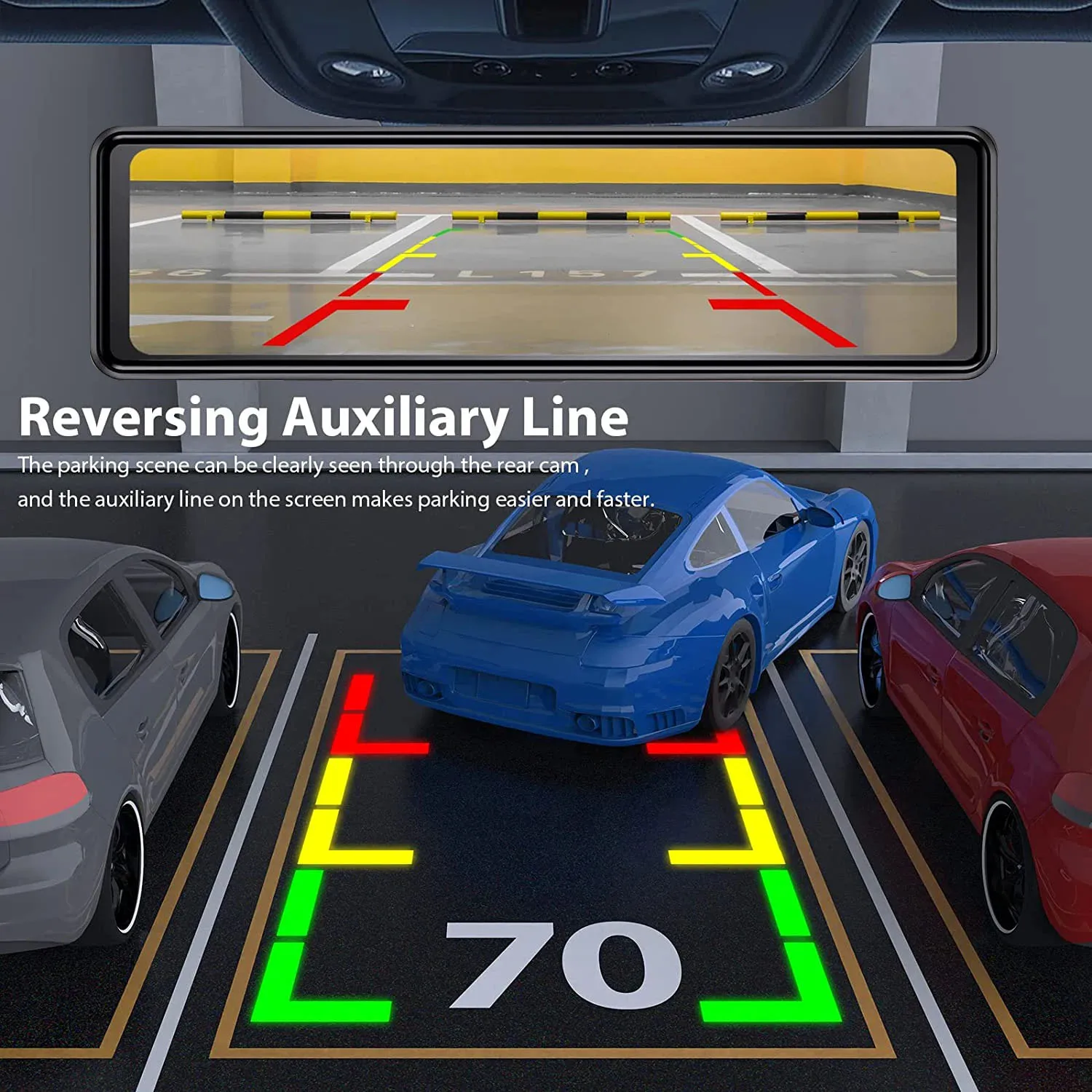
About The Reversing Assist Function:
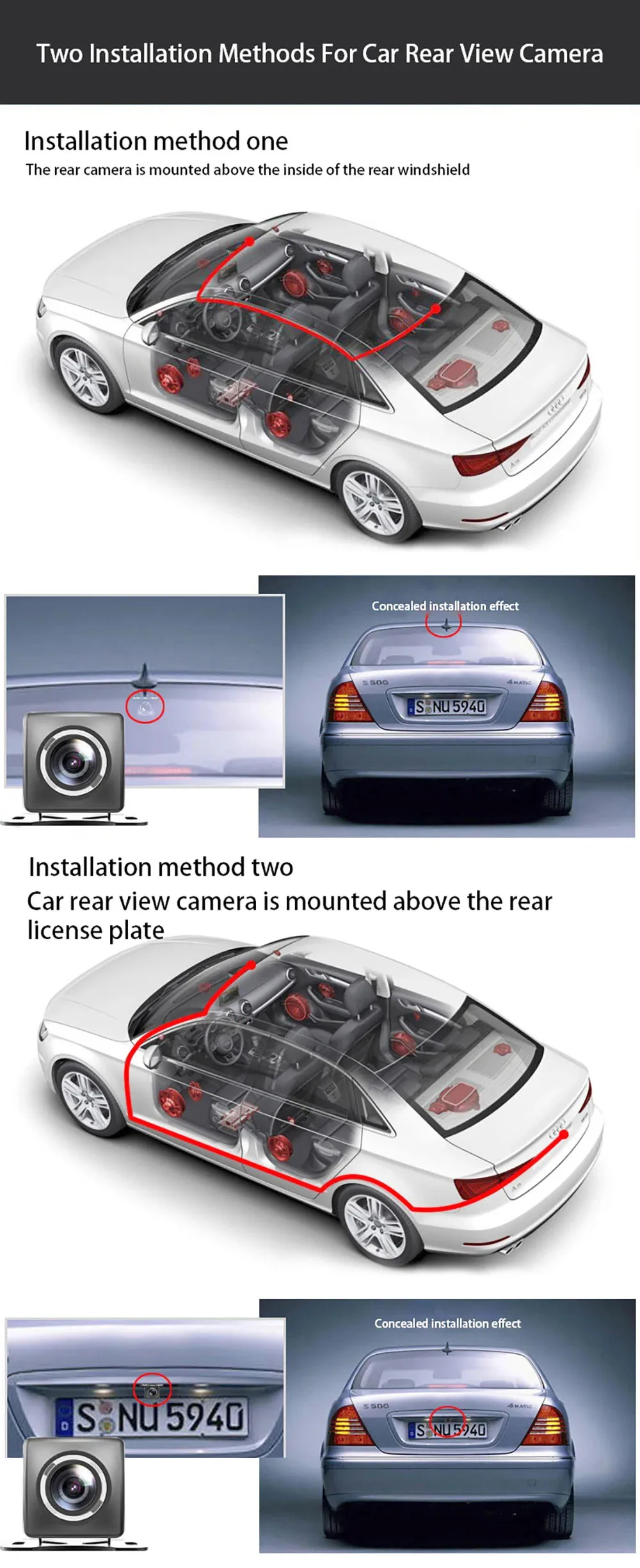
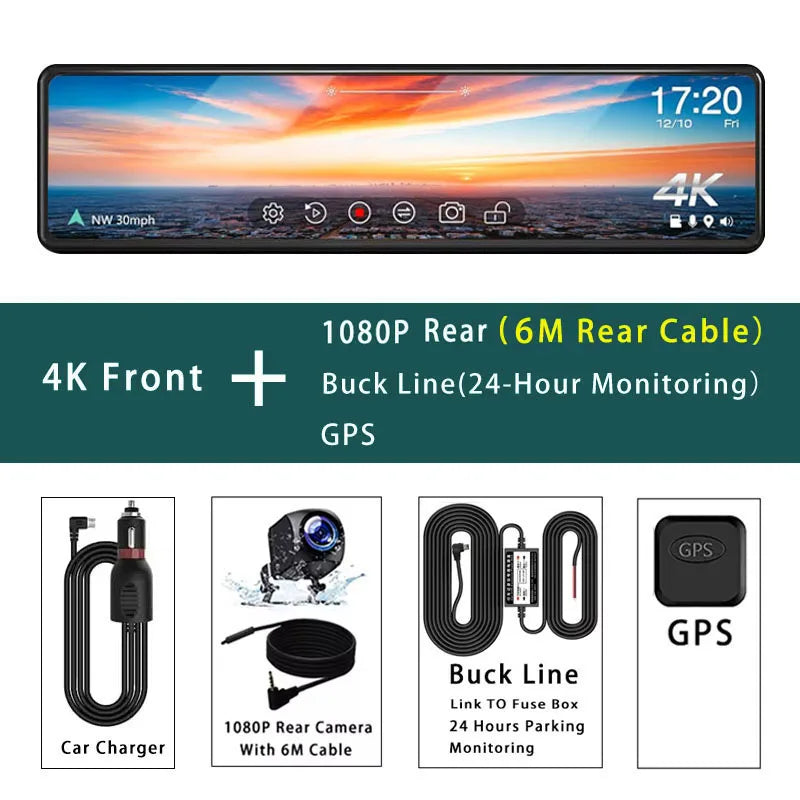
If the kit you ordered includes a rearview camera and you need to implement the reversing assist function, you need to connect the red signal wire of the rearview camera to the car's reversing light (the light will come on when reversing). If you don't need the reverse assist function, just disconnect the red signal wire and leave it unconnected.
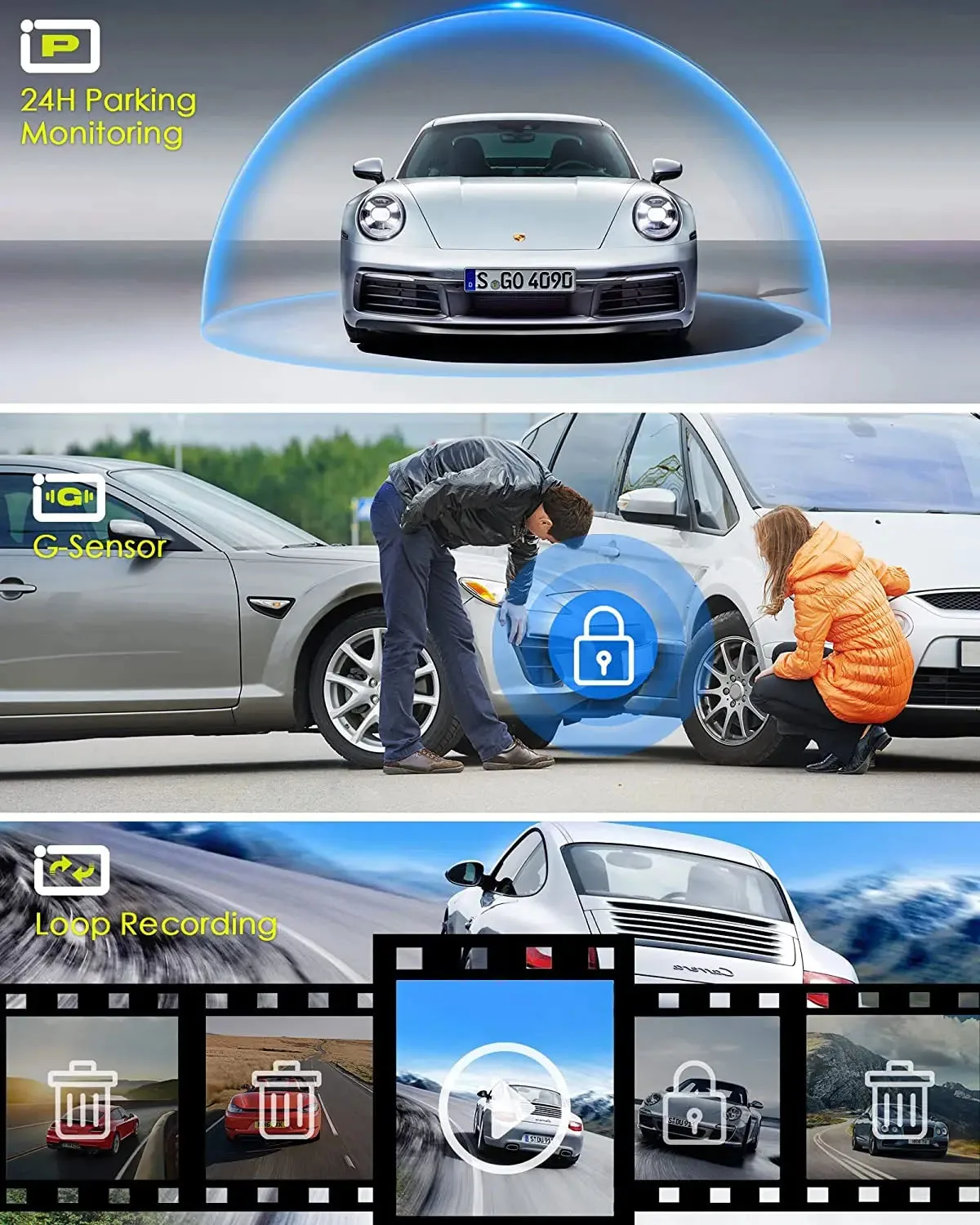
About 24-Hour Parking Monitoring:
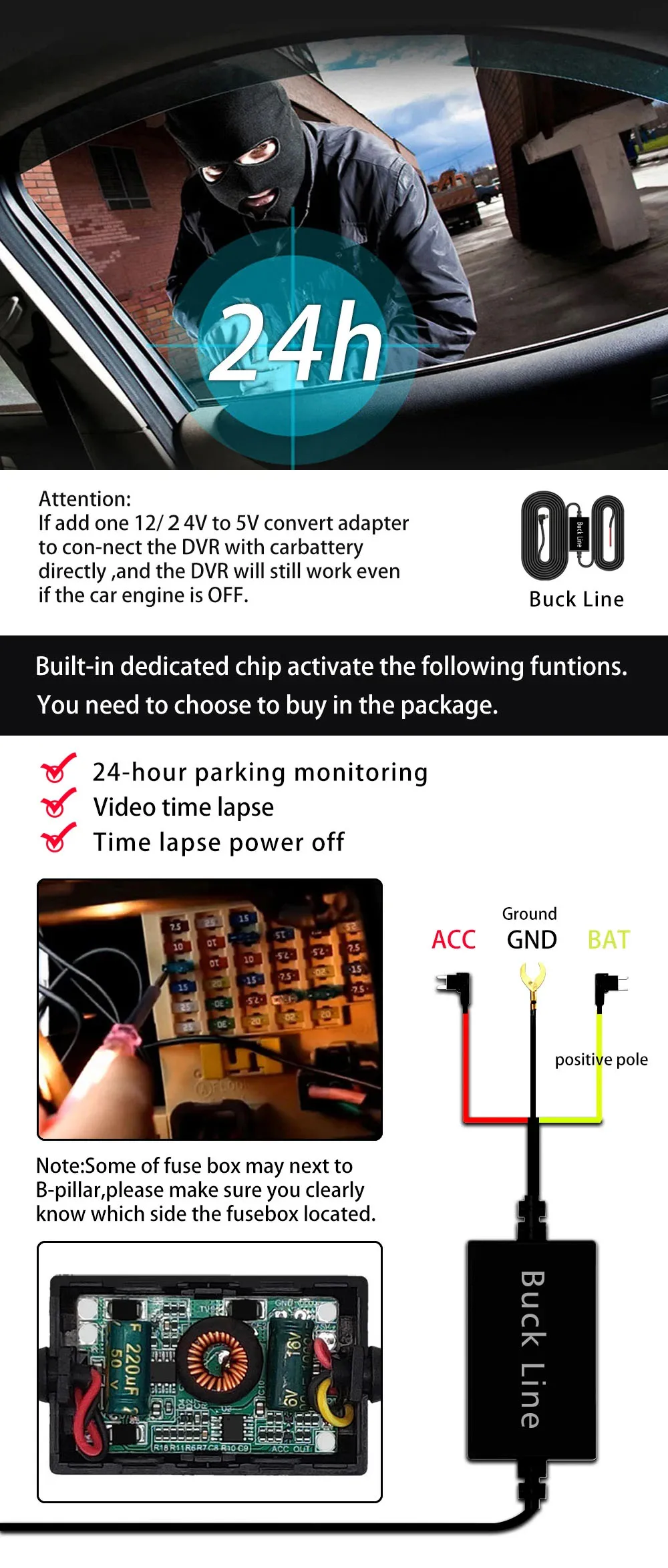
If you need the 24 hour parking monitoring function, you can order the corresponding Buck Line accessories to replace the car charger.Through Buck Line, the DVR power can be obtained directly from the car battery or car ACC, so that the DVR can maintain normal recording work even when the car is turned off.(Since different car models have different battery interfaces or ACC interfaces, it is not recommended to install it by yourself. It is recommended to find a professional to install the Buck Line.)
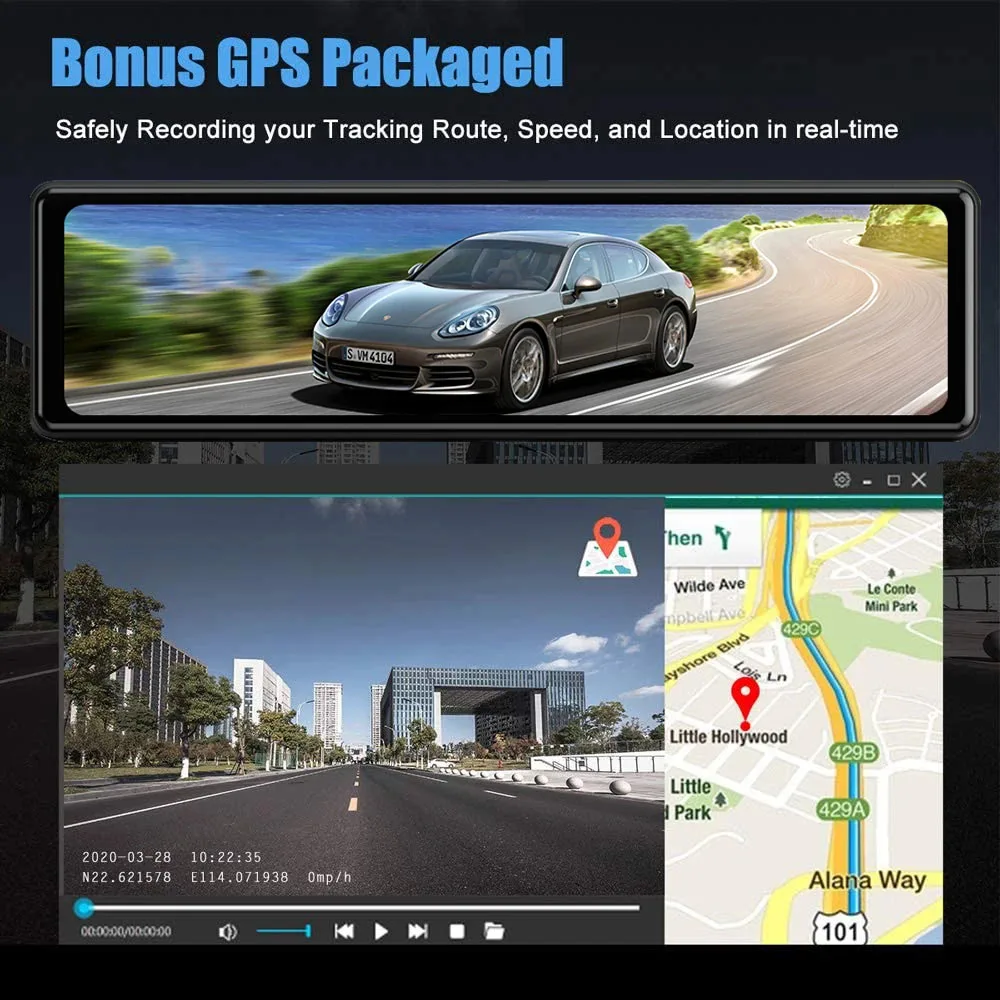
About The Installation And Use Of GPS:
1. Connect the GPS module to the DVR and turn on the GPS function in the DVR menu settings;
2. Install the DVR on the car and start the recording mode. Start the car outdoors and drive for a certain distance. The GPS module will automatically capture the satellite signal and the DVR will automatically record the video with the GPS driving track.
Video Playback Of GPS Tracks:
1. Install the GPS dedicated video player "GX Player" on your computer. Please enter the link below in your computer browser to download and install;
Download link: http://www.sunningsoft.com/en/pcgps.html
2. Open the recorded DVR video with GPS track information on the computer through "GX player" to play back the GPS driving track.